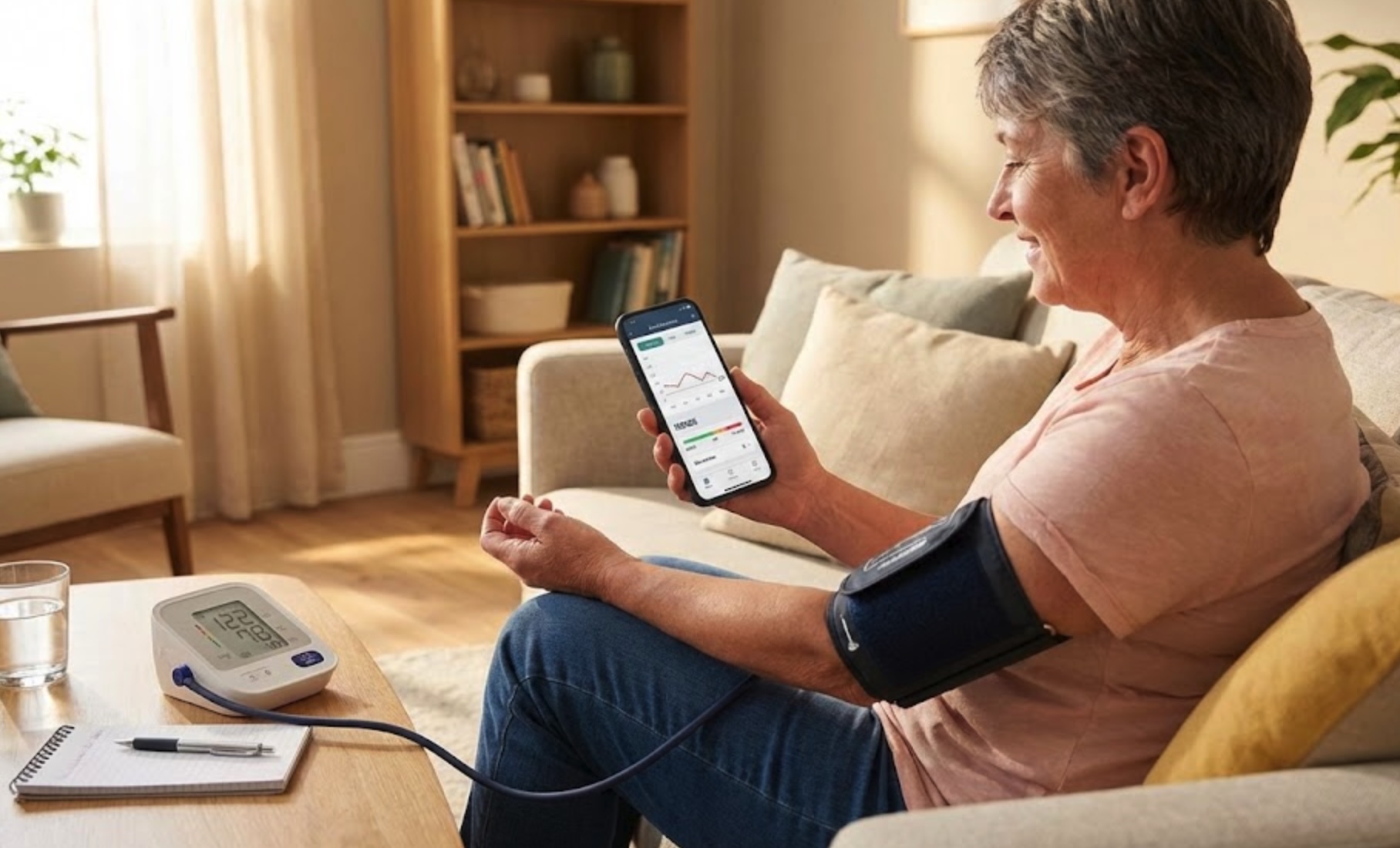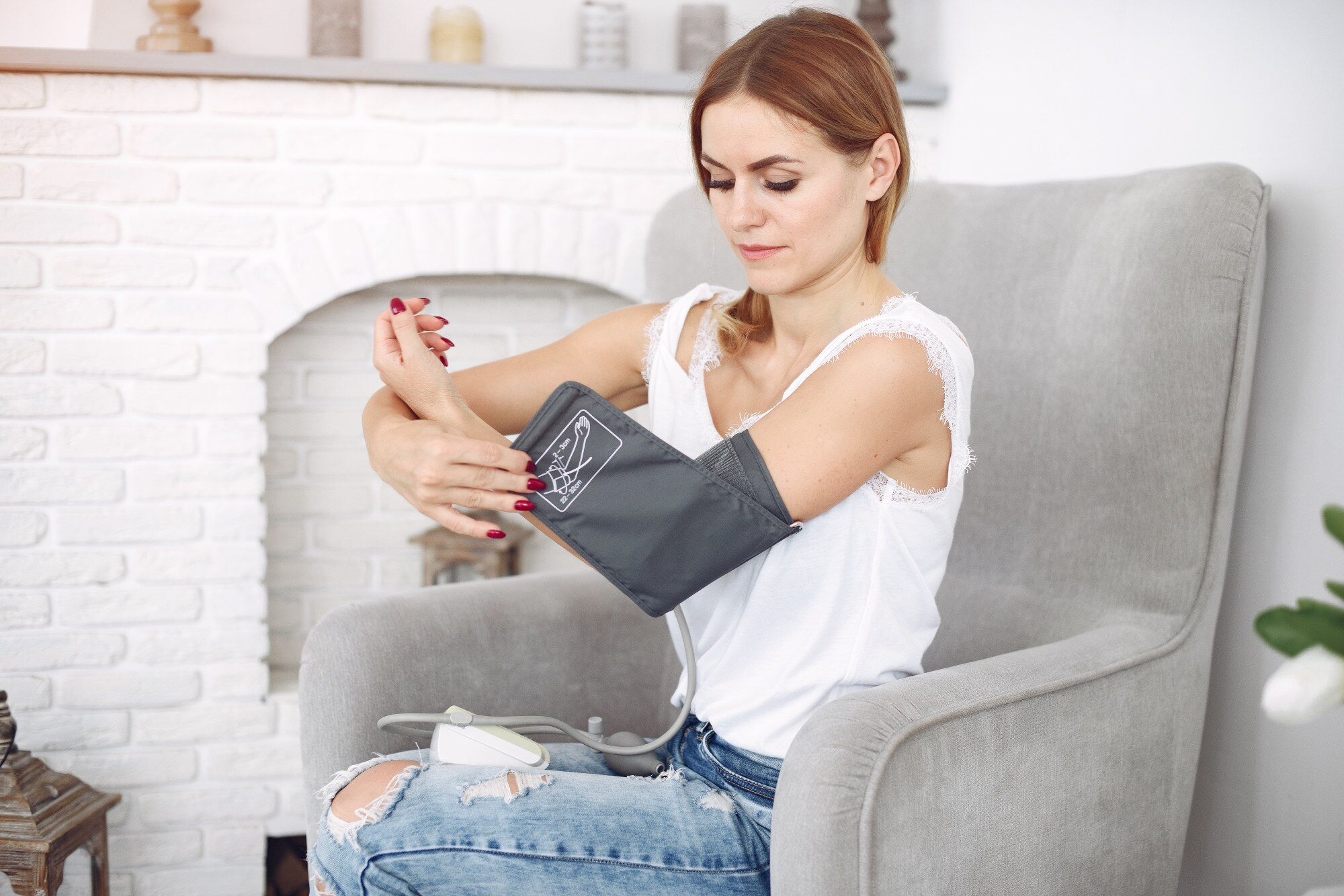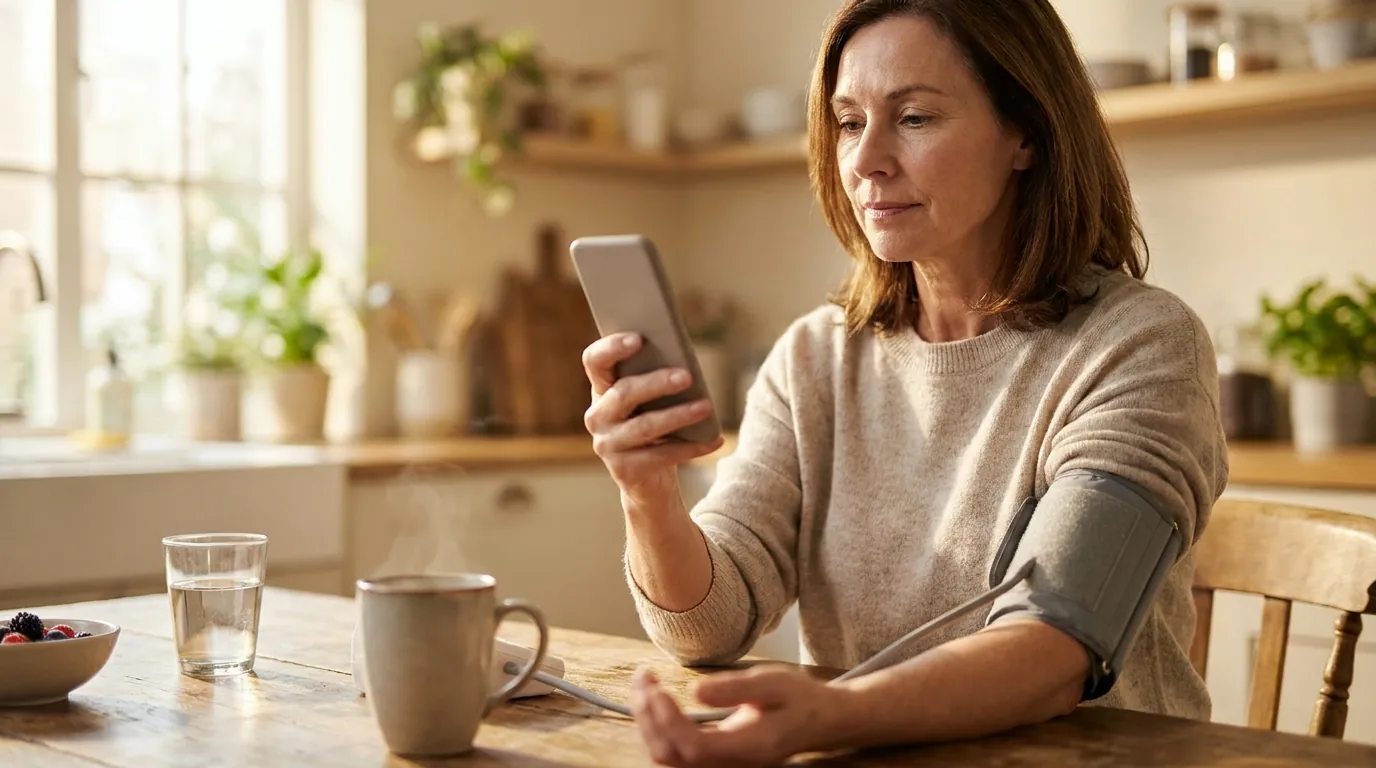
An iPhone cannot measure your blood pressure by itself, so the free way to check it is a blood pressure cuff for the reading and your iPhone for everything else. The Health app that comes with every iPhone can store your readings, pull them in from a Bluetooth cuff, run a guided log for your doctor and export it as a PDF, all at no cost. This guide walks through each step, and what Apple Watch adds.
Can an iPhone measure blood pressure?
No iPhone has a sensor that can take a blood pressure reading. Apps that ask you to press a finger on the camera are estimating, and most of them are not reliable enough to act on. Apps that scan your face work out an estimate from tiny colour changes in your skin, and even the few that are certified in Europe need regular calibration against a cuff. In September 2025 the US Food and Drug Administration (FDA) warned people not to use blood pressure devices and wearable features that have no FDA authorization, and it suggests checking a device in its 510(k) database before trusting it. Our guide to whether your phone can check your blood pressure explains how these camera apps work and where they fall short.
The reading itself should come from a cuff. The American Heart Association's measurement statement (Muntner et al., 2019) and its 2025 guideline both recommend a validated upper-arm cuff for home monitoring, and Apple's own support page says the same: automatic upper-arm cuffs give the most accurate home readings.
Step 1: Log a reading in the Health app
Take your reading with the cuff first, then add it to the Health app. According to Apple's instructions:
- Open the Health app and tap Browse at the bottom of the screen.
- Tap Heart, then tap Blood Pressure.
- Tap Add a Measurement.
- Enter the date, time, top number (systolic) and bottom number (diastolic), then tap Add.
Typing readings in works with any cuff, Bluetooth or not, and it is completely free. The top number is the pressure while your heart beats, and the bottom number is the pressure while it rests between beats. If you want to know what your numbers mean, our blood pressure chart shows every range.
Step 2: Let a Bluetooth cuff send readings for you
If your cuff has Bluetooth, you can skip the typing. Most cuffs from the major brands come with a free app that receives each reading over Bluetooth and can write it into the Health app. The usual setup is:
- Install the cuff maker’s app from the App Store and pair the cuff by following its steps, which usually means holding the Bluetooth button on the cuff until it blinks.
- In the cuff app, find the Apple Health or Health app connection, usually under settings, and turn it on.
- When the iPhone asks which data to share, allow Blood Pressure (and Heart Rate if you want your pulse too).
- Take a reading. It should appear in the cuff app and then under Heart in the Health app.
To change these permissions later, open the Health app, tap your profile picture, tap Apps under Privacy and choose the cuff's app.
Choose a validated cuff
Step 3: Use the Health app's Blood Pressure Log
Recent versions of the Health app include a guided Blood Pressure Log, in the countries where Apple offers it. Under Heart, open Blood Pressure Log and tap Get Started, and Apple asks you to pick one of two goals:
| Goal | What you log | When it finishes |
|---|---|---|
| Learn About My Risk for Hypertension | A reading when you wake up and another at bedtime | After 7 wake-up and 7 bedtime readings |
| Monitor My Hypertension | One reading a day | After one reading a day for 28 days |
The Health app reminds you when it is time to measure, and when the log is complete you can tap Export PDF to share the readings with your doctor. Apple notes that the log is separate from Apple Watch hypertension notifications, so readings you log there do not change whether your watch sends one.
Step 4: What Apple Watch adds
Apple Watch Series 9 or later and Ultra 2 or later can look at heart sensor data over 30-day periods and send a hypertension notification if the pattern suggests high blood pressure. The watch never shows a blood pressure number, so the notification is a reason to start measuring with a cuff, and the Health app's risk log above is built for exactly that. Our Apple Watch blood pressure guide covers which models support it and how the notifications work.
Step 5: Add a tracking app if you want more
The Health app is enough for many people. A dedicated tracking app is useful if you want averages for morning and evening, a chart that shows how a new medication is working, reminders on your own schedule, or the same log on an Android phone. Cardilog, the app we make, reads your cuff readings from Apple Health and is free for logging, charts, reminders, PDF reports and your full history. Its paid plans add Cardilog Intelligence, an AI analysis of your trends. Other apps do similar things, and our comparison of blood pressure apps lists the main options.
Keep your cuff readings, charts and doctor PDF in one place.
Cardilog reads your readings from Apple Health and is free for logging, charts, reminders and PDF reports.


How to take a reading you can trust
A free setup only helps if the readings are good. The American Heart Association's measurement statement (Muntner et al., 2019) recommends the following for home readings:
- Avoid caffeine, exercise and smoking for 30 minutes before you measure.
- Sit with your back supported and your feet flat on the floor, and rest quietly for five minutes.
- Put the cuff on bare skin on your upper arm, with your arm resting on a table at heart level.
- Take two readings a minute apart and record both, in the morning before medication and in the evening.
Our guide to how a blood pressure monitor works explains why cuff size and arm position change the numbers.
On Android instead?
The same steps work on Android with Health Connect, which is built into recent versions of Android and plays the role of Apple Health. Cuff apps write readings into Health Connect, and tracking apps, Cardilog included, read them from there. Samsung phones can also store readings in Samsung Health. Some Samsung Galaxy Watch models can estimate blood pressure after you calibrate them with a cuff, which our Samsung Galaxy Watch guide explains.
When to see a doctor
Under the 2025 AHA/ACC guideline, home readings that average 130/80 mmHg or higher count as high blood pressure, so share them with your doctor, and the PDF from the Health app or your tracking app makes that easy. If a reading is higher than 180/120 mmHg, wait a minute and measure again. If it is still that high and you feel fine, contact your doctor straight away. If it comes with chest pain, shortness of breath, back pain, numbness, weakness, a change in vision or difficulty speaking, call 911 or your local emergency number.