
How Samsung Galaxy Watch blood pressure monitoring works
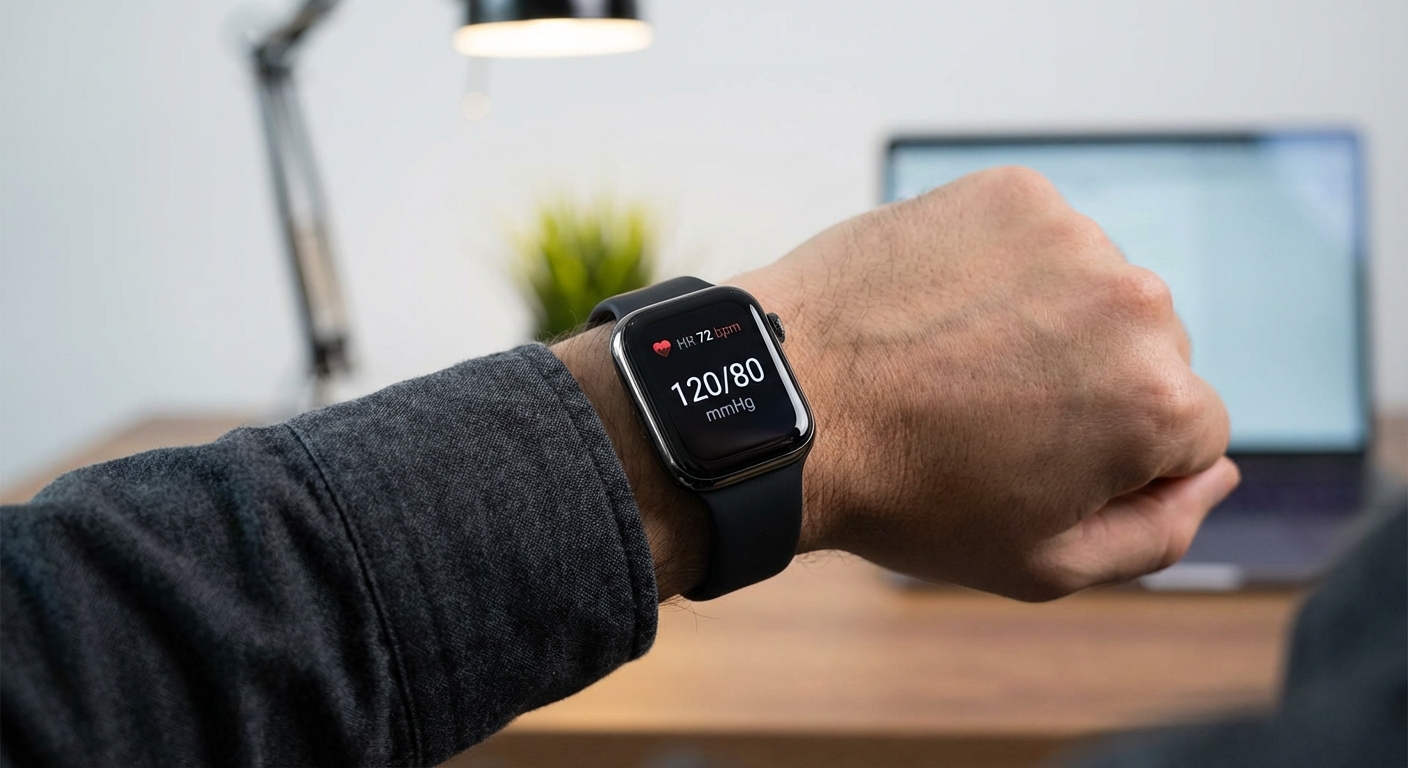
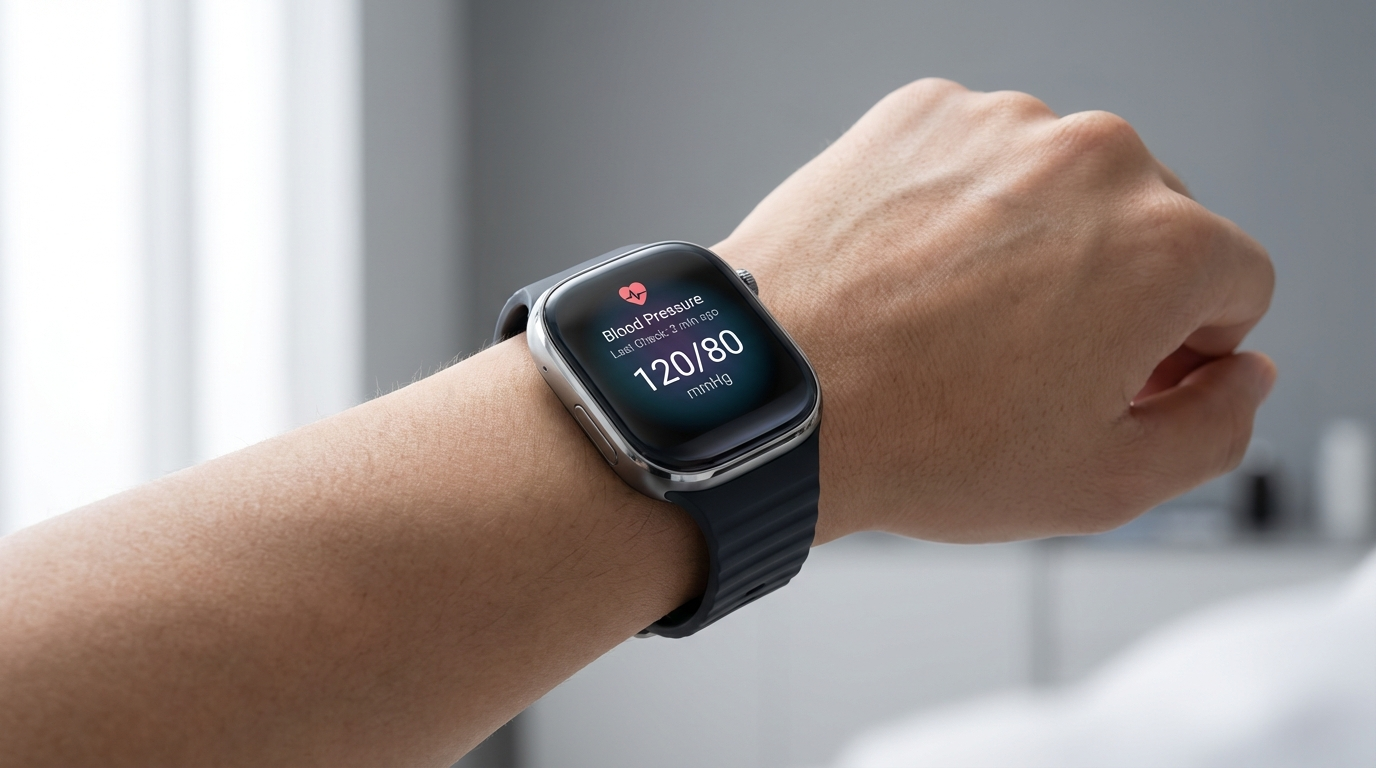
Samsung Galaxy Watch blood pressure monitoring relies on photoplethysmography (PPG), the same optical sensor technology used for heart rate tracking. PPG sensors emit green LED light into the skin and measure how much light is reflected back. When blood pulses through your wrist arteries with each heartbeat, the blood volume in the vessels changes, which changes the amount of light absorbed.
Samsung's implementation analyzes the shape and timing of these pulse waveforms (specifically, the pulse wave velocity and pulse arrival time) to estimate systolic and diastolic blood pressure. The faster the pulse wave travels, the stiffer the arteries, which correlates with higher blood pressure.
This approach is fundamentally different from traditional cuff-based monitors, which physically compress the artery and listen for Korotkoff sounds or oscillometric pulses. PPG-based estimation is indirect and depends on algorithmic correlation between waveform characteristics and actual pressure. This is why calibration is required.
The calibration requirement
Before your Samsung Galaxy Watch can measure blood pressure, you must calibrate it against a traditional cuff monitor. The calibration process involves:
- Taking three consecutive blood pressure readings with a cuff-based monitor while wearing the Galaxy Watch on the same wrist
- Manually entering each cuff reading into the Samsung Health Monitor app on your phone
- The watch algorithm uses these reference readings to personalize its PPG-based estimation model for your specific physiology
Samsung requires recalibration every 28 days. After 28 days, the blood pressure measurement feature disables itself until you complete another calibration. This mandatory recalibration window reflects the reality that PPG-based blood pressure estimation degrades over time as your vascular properties change with hydration, temperature, activity, and other factors.
Calibration matters for accuracy
Which Samsung Galaxy Watch models support blood pressure monitoring
Blood pressure monitoring is available on all Samsung Galaxy Watch models released since the Galaxy Watch Active 2 in 2020. All recent models use the BioActive Sensor, a unified chip that combines PPG, ECG, and bioelectrical impedance analysis sensors.
| Model | Release Year | BP Monitoring | Sensor Type |
|---|---|---|---|
| Galaxy Watch Active 2 | 2020 | Yes | PPG optical sensor |
| Galaxy Watch 3 | 2020 | Yes | PPG optical sensor |
| Galaxy Watch 4 / Classic | 2021 | Yes | BioActive Sensor |
| Galaxy Watch 5 / Pro | 2022 | Yes | BioActive Sensor |
| Galaxy Watch 6 / Classic | 2023 | Yes | BioActive Sensor |
| Galaxy Watch 7 | 2024 | Yes | BioActive Sensor |
| Galaxy Watch Ultra | 2024 | Yes | BioActive Sensor |
All of these models have the hardware capability for blood pressure monitoring. Whether the feature actually works depends on where you are located and whether you are willing to use unofficial workarounds to bypass regional restrictions.
Country availability: where Samsung blood pressure works
Samsung Galaxy Watch blood pressure monitoring is officially available in over 30 countries, but the United States is not one of them. The feature first launched in South Korea in 2020, then expanded to select markets in Europe, Asia, and Latin America as Samsung obtained regulatory clearances.
| Region | Countries | Approval Status |
|---|---|---|
| Asia | South Korea, India, Singapore | Approved since 2020-2021 |
| Europe | Germany, UK, France, Spain, Italy, Netherlands, Austria, Switzerland | Approved since 2021 |
| North America | Canada | Approved |
| North America | United States | Not approved (blocked) |
| Latin America | Brazil, Chile | Approved |
In approved countries, the feature works seamlessly through the official Samsung Health Monitor app available on Google Play and the Galaxy Store. In blocked regions like the United States, the app either does not appear in the app stores or disables blood pressure functionality even if installed.
Why is Samsung blood pressure blocked in the US?
The US Food and Drug Administration (FDA) treats blood pressure monitors as medical devices requiring premarket clearance. Samsung has not obtained FDA approval for its Galaxy Watch blood pressure feature as of March 2026, and there is no publicly confirmed timeline for when or if approval will happen.
Apple received FDA clearance in 2025 for hypertension detection on Apple Watch Series 9/10/11 and Ultra 2/3, but Apple's feature is fundamentally different. Apple Watch does not provide actual blood pressure readings. Instead, it analyzes patterns over 30-day periods and alerts users if signs of hypertension are detected. This passive alert system appears to have satisfied FDA requirements more easily than Samsung's on-demand measurement approach.
Samsung's challenge is that it provides specific systolic and diastolic readings, which users may interpret as diagnostic. The FDA requires extensive clinical validation for any device that outputs numerical blood pressure measurements, including demonstration that the device performs accurately across diverse populations, arm positions, skin tones, ages, and medical conditions. Samsung has successfully navigated this process in Europe and South Korea but has not yet cleared the FDA's bar in the United States.
How to enable blood pressure on Samsung Galaxy Watch outside approved countries
Users in restricted regions like the United States can unofficially enable blood pressure monitoring by sideloading modified Samsung Health Monitor APK files. This process bypasses regional restrictions but involves risks and is not recommended for medical use.
Risks of sideloading modified APKs
If you choose to proceed despite these warnings, the process typically involves:
- Downloading modified Samsung Health Monitor APK files for both your Android phone and Galaxy Watch from third-party sources (commonly shared on XDA Developers forums)
- Enabling installation from unknown sources in Android settings
- Installing the modded APK on your phone and watch, replacing the official app if already installed
- Opening the app and following the standard calibration process with a cuff-based blood pressure monitor
Community reports suggest the feature works functionally after sideloading, but there is no guarantee of measurement accuracy, software stability, or future compatibility with Samsung firmware updates.
Blood pressure accuracy: Samsung Galaxy Watch vs cuff monitors
Clinical validation studies published by Samsung and independent researchers show that after proper calibration, Samsung Galaxy Watch blood pressure readings are within 5-8 mmHg of reference cuff monitors for most users. This meets the general accuracy target set by IEEE and ESH standards for automated blood pressure devices.
However, accuracy varies depending on:
- How recently you calibrated (accuracy degrades between calibrations)
- How still you sit during measurement (movement introduces noise)
- Wrist position and watch fit (the watch must be snug and positioned correctly)
- Individual physiology (people with irregular heartbeats, very low or very high BP, or peripheral artery disease see larger errors)
| Condition | Expected Accuracy | Notes |
|---|---|---|
| Immediately after calibration | Within 5-8 mmHg | Best accuracy window |
| 7-14 days after calibration | Within 8-12 mmHg | Still acceptable for trend tracking |
| 21-28 days after calibration | Within 10-15 mmHg | Accuracy degrading; recalibration due |
| After 28 days (expired) | Feature disabled | Mandatory recalibration required |
| During movement or talking | Error >15 mmHg | Measurement invalid |
| With irregular heartbeat (AFib) | Variable; may be unreliable | Not validated for arrhythmias |
For comparison, continuous wearable BP monitors like Aktiia and RingConn use similar PPG-based approaches but with different calibration and algorithm strategies. Samsung's approach is more user-friendly (you can take a reading on demand) but requires frequent recalibration to maintain accuracy.
How to measure blood pressure using Samsung Galaxy Watch
Once your Galaxy Watch is calibrated, taking a blood pressure reading is straightforward:
- Sit in a relaxed position with your wrist supported at heart level
- Make sure the watch is snugly fitted on the wrist you used during calibration (not too loose, not cutting off circulation)
- Open the Samsung Health Monitor app on the watch and navigate to the Blood Pressure widget
- Tap "Measure" and remain completely still for 30-40 seconds while the watch analyzes pulse waveforms
- The watch displays systolic, diastolic, and pulse rate on the screen and syncs the reading to your phone
Best practices for accurate readings
Results automatically sync to the Samsung Health app on your phone, where you can view history, add notes, and export data. Some users also sync their Samsung Health data to Google Fit or other platforms, though dedicated blood pressure tracking apps often provide better visualization and reporting for BP trends.
Samsung Galaxy Watch blood pressure vs Apple Watch approach
Apple and Samsung take fundamentally different approaches to wrist-based blood pressure monitoring:
| Feature | Samsung Galaxy Watch | Apple Watch |
|---|---|---|
| Measurement type | On-demand systolic and diastolic readings | Passive hypertension detection alerts only |
| Technology | PPG pulse wave analysis | PPG + pattern analysis over 30 days |
| Calibration | Required every 28 days with cuff monitor | No calibration required |
| Output | Numerical BP readings (e.g., 120/80) | Alert if signs of elevated BP detected |
| US availability | Not FDA approved (blocked) | FDA cleared (Series 9/10/11, Ultra 2/3) |
| Use case | Daily BP tracking and trend monitoring | Early hypertension screening |
Apple's approach sacrifices specificity (no actual BP numbers) for regulatory simplicity and user safety. By only alerting users to potential hypertension rather than giving readings, Apple avoids the risk of users self-diagnosing or self-treating based on potentially inaccurate numbers.
Samsung's approach is more useful for people who already know they have hypertension and want to track it daily, but it requires more user discipline (calibration every 28 days) and has not achieved FDA approval in the United States.
Limitations and who should not rely on Samsung Watch BP monitoring
Samsung explicitly states that Galaxy Watch blood pressure monitoring is designed for wellness and fitness tracking, not for diagnosing medical conditions. The feature should not be used:
- As a substitute for regular medical checkups or prescribed blood pressure monitoring
- To adjust blood pressure medication dosage without consulting your doctor
- In medical emergencies (if you suspect dangerously high or low blood pressure, use a validated cuff monitor and seek medical attention)
- In people under 22 years old (not validated for pediatric or young adult populations)
- In people with arrhythmias like atrial fibrillation (irregular heartbeats reduce PPG accuracy)
If you have diagnosed hypertension, your doctor will still want you to use a traditional cuff-based monitor for clinical decision-making. Samsung Galaxy Watch readings can supplement your tracking but should not replace the measurements your doctor reviews when adjusting medication or evaluating treatment effectiveness.
The bottom line
Samsung Galaxy Watch blood pressure monitoring is one of the most advanced consumer wearable BP tracking features available globally, but it remains frustratingly inaccessible to users in the United States due to FDA regulatory hurdles. If you are in an approved country like Canada, the UK, or South Korea, the feature provides a convenient way to track blood pressure trends as long as you calibrate every 28 days and understand the accuracy limitations.
For US users, the choice is to wait for FDA approval (with no confirmed timeline) or use unofficial workarounds that carry legal, warranty, and accuracy risks. If daily blood pressure tracking is a priority, consider other wearable BP monitors like Aktiia, Omron HeartGuide, or RingConn that are either FDA cleared or marketed as wellness devices with clearer US availability.
Regardless of device, remember that wearable blood pressure monitoring complements but does not replace traditional measurement. Keep a validated home cuff monitor for calibration and verification, track your readings consistently, and share the data with your doctor to make informed decisions about your cardiovascular health.