Sync your cuff readings with Apple Health and Apple Watch.
Cardilog reads Apple Health data, runs AI-powered trend analysis, and generates doctor-ready PDFs.


Can Apple Watch Measure Blood Pressure?
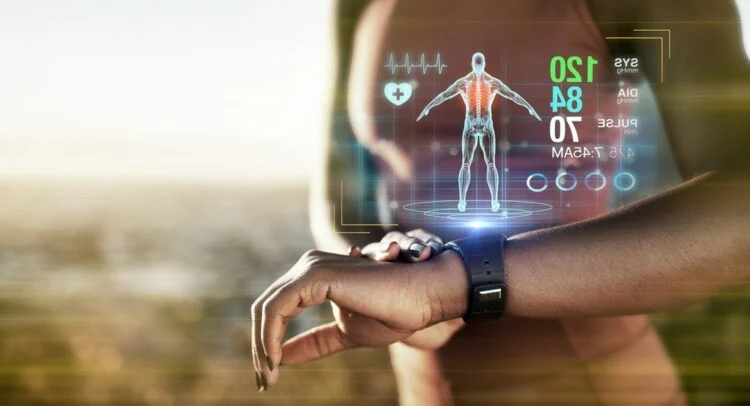
Apple Watch cannot directly measure blood pressure in millimeters of mercury (mmHg). No current Apple Watch, including the latest Series 12 and Ultra 4, has a built-in blood pressure cuff or sensor capable of providing a systolic/diastolic reading like 120/80 mmHg.
However, Apple has introduced a significant step forward: hypertension detection. Starting with watchOS 26, compatible Apple Watch models can analyze optical heart sensor data over a 30-day period and alert you if patterns suggest elevated blood pressure. This is a screening feature—not a replacement for a validated blood pressure monitor—but it represents the first time Apple Watch has played a direct role in blood pressure health.
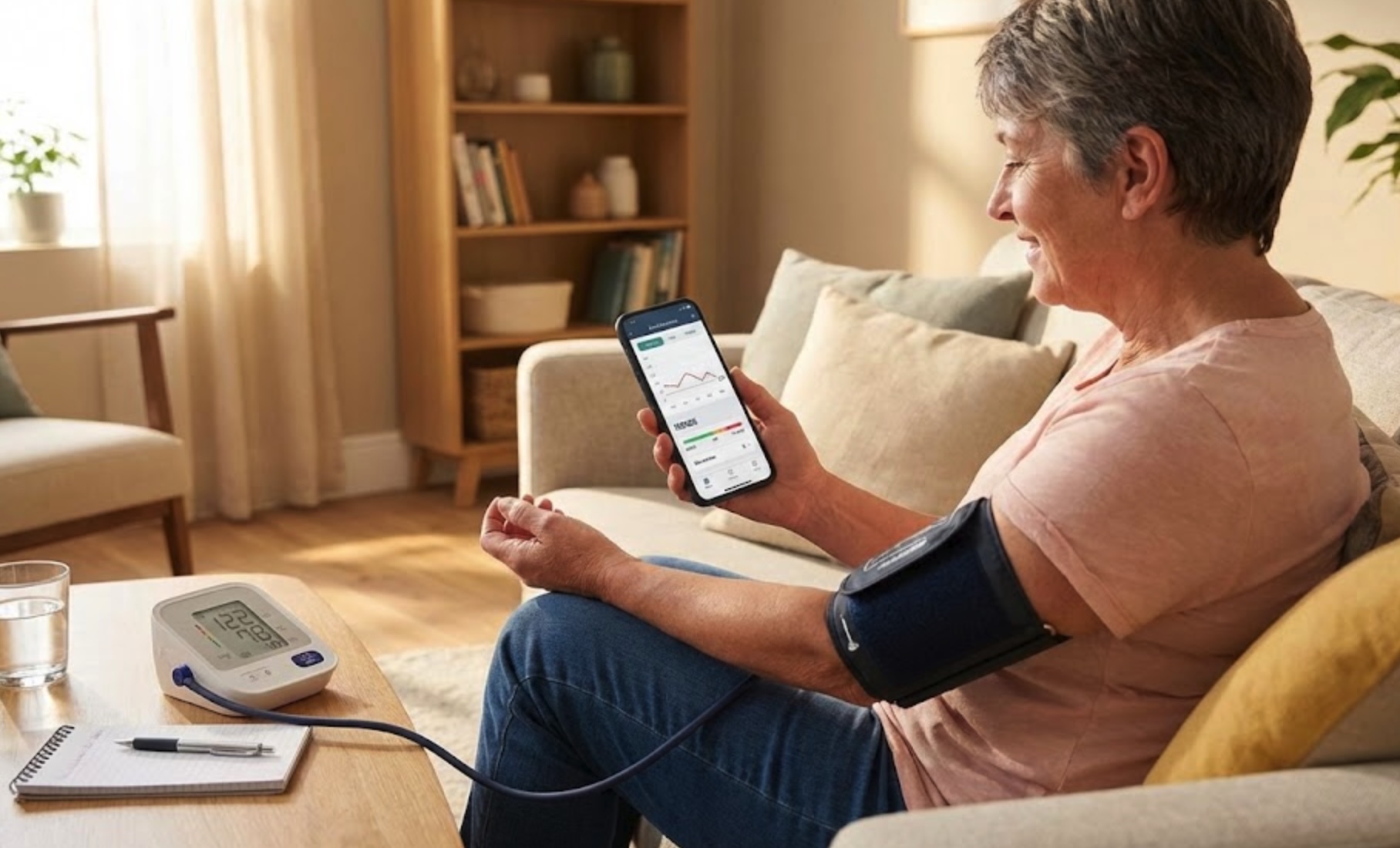
So what can you actually do with Apple Watch for blood pressure monitoring? Quite a lot. You can pair a wireless Bluetooth blood pressure cuff with Apple Health, track your readings over time, use the hypertension notification feature for passive screening, and use apps like Cardilog to generate shareable reports for your doctor.
This guide covers everything you need to know about Apple Watch blood pressure monitoring in 2026—from how hypertension detection works, to the best wireless monitors, to setting up a complete tracking workflow.
Medical disclaimer
Apple Watch and connected apps do not diagnose, treat, or cure hypertension. Never change your medications or treatment plan based only on wearable data. Always discuss blood pressure questions with your clinician.
How Apple Watch Hypertension Detection Works
The hypertension detection feature introduced in watchOS 26 is Apple's first foray into blood pressure health. Rather than providing a specific mmHg number, it uses advanced algorithms to determine whether your blood pressure may be consistently elevated.
The optical heart sensor and pulse wave analysis
Apple Watch uses its optical heart sensor—the same green and infrared LEDs that track your heart rate—to perform pulse wave analysis. By shining light through the skin and measuring how blood absorbs it, the sensor captures subtle changes in the shape and timing of your pulse waveform. These patterns correlate with arterial stiffness and vascular resistance, both of which are indicators of blood pressure levels.
30 days of passive data collection
Unlike taking a single reading with a cuff, Apple Watch collects data passively over 30 days. According to Apple's validation paper, the watch takes a 60-second reading from its optical heart sensor about every two hours, and it only uses the readings taken while you're awake and sitting still. This extended sampling window helps account for normal blood pressure fluctuations throughout the day.
Machine learning algorithms
Apple trained its machine learning models on clinical data from large-scale studies comparing optical sensor readings to validated cuff measurements. The algorithms look for consistent patterns across the 30-day window that are associated with sustained hypertension. When these patterns are detected, you receive a notification.
What the notification means
A hypertension notification is a screening alert, not a diagnosis. It means the watch has detected patterns that warrant further investigation with a validated blood pressure monitor. Think of it as a prompt to check your blood pressure, not a replacement for how blood pressure is measured with a clinical device.
Key limitations of hypertension detection
- It does not provide a blood pressure number in mmHg—only a screening alert.
- The feature is designed for adults aged 22 or over who aren't pregnant and haven't been diagnosed with hypertension.
- It may produce false positives or miss some cases of high blood pressure.
- It reviews data in 30-day periods, so the first possible notification comes about 30 days after setup.
- It only counts readings taken while you're awake and sitting still, and Apple says it doesn't need calibrating with a cuff.
What to Do If You Get a Hypertension Notification
A hypertension notification can feel alarming, but it is simply a prompt to check your blood pressure with a validated device—not a diagnosis. Think of it like a check engine light: it's telling you something might need attention, but you need more information to know for sure. Here is what to do next.
- Don't panic. The notification is designed to encourage you to check your blood pressure, not to cause alarm. Many people who receive one may not actually have hypertension.
- Get a validated monitor. If you don't already have one, choose a validated upper arm blood pressure monitor. The American Heart Association maintains a list of validated devices, and upper arm cuffs are more accurate than wrist monitors for this purpose.
- Track for one week. Take your blood pressure twice daily—once in the morning before medication or caffeine, and once in the evening—and record every reading. This gives you and your doctor a clear picture of your actual blood pressure patterns.
- Share with your doctor. Bring your week of readings to your appointment. Cardilog can generate a professional PDF report from your Apple Health data, making it easy to share. Your doctor will review the readings and decide whether further evaluation or treatment is needed.
If you do not have a regular doctor to take those readings to, you can speak to a cardiologist about your readings over video.
Which Apple Watch Models Support Blood Pressure Features
Not every Apple Watch supports hypertension detection. Apple says you need an Apple Watch Series 9 or later or an Apple Watch Ultra 2 or later, running the latest version of watchOS, with an iPhone 11 or later. Here is a breakdown of current Apple Watch models and their blood pressure capabilities:
| Model | Hypertension Detection | Apple Health BP Sync | Key Notes |
|---|---|---|---|
| Apple Watch Series 12 | Yes (latest watchOS) | Yes | Apple says it may not be available yet in some regions while extra regulatory clearances are in process |
| Apple Watch Series 11 | Yes (latest watchOS) | Yes | Launched with hypertension notifications in 2025 |
| Apple Watch Series 10 | Yes (latest watchOS) | Yes | Supported via software update |
| Apple Watch Series 9 | Yes (latest watchOS) | Yes | Supported via software update |
| Apple Watch Ultra 4 | Yes (latest watchOS) | Yes | Apple says it may not be available yet in some regions while extra regulatory clearances are in process |
| Apple Watch Ultra 3 | Yes (latest watchOS) | Yes | Launched with hypertension notifications in 2025 |
| Apple Watch Ultra 2 | Yes (latest watchOS) | Yes | Supported via software update |
| Apple Watch SE (all models) | No | Yes | Apple says the feature isn't available on Apple Watch SE |
| Apple Watch Series 8 and older, original Ultra | No | Yes | Hardware not supported |
All Apple Watch models that support Apple Health can display blood pressure readings from a paired Bluetooth cuff. However, the passive hypertension detection feature is limited to Series 9 or later and Ultra 2 or later, running the latest version of watchOS.
How to Check Blood Pressure with Apple Watch
There are two approaches to monitoring blood pressure with your Apple Watch: using the passive hypertension detection feature, or pairing a Bluetooth blood pressure cuff with Apple Health for actual mmHg readings. For the most complete picture, use both.
Method 1: Enable hypertension detection
- Update your iPhone and Apple Watch to the latest versions of iOS and watchOS, and make sure Wrist Detection is turned on.
- On your iPhone, open the Health app, tap your picture or initials at the top right, then tap Health Checklist.
- Tap "Set Up" below Hypertension Notifications, confirm your age and whether you've been diagnosed with hypertension, and follow the on-screen prompts.
- Wear your Apple Watch consistently for 30 days while the feature collects data.
- You will receive a notification if the watch detects patterns of hypertension.
This method is entirely passive—you do not need to initiate a measurement. The watch works in the background while you go about your day.
Method 2: Pair a Bluetooth blood pressure cuff
For actual systolic/diastolic readings in mmHg, you need an FDA-cleared Bluetooth blood pressure monitor that syncs with Apple Health. Here is the step-by-step workflow:
- Choose a compatible monitor: Select a blood pressure cuff that explicitly supports Apple Health integration (see our recommendations below).
- Download the manufacturer's app: Install the companion app (e.g., Withings or OMRON Connect) on your iPhone and pair the cuff via Bluetooth.
- Enable Apple Health access: In the cuff's app, authorize it to write blood pressure data to Apple Health.
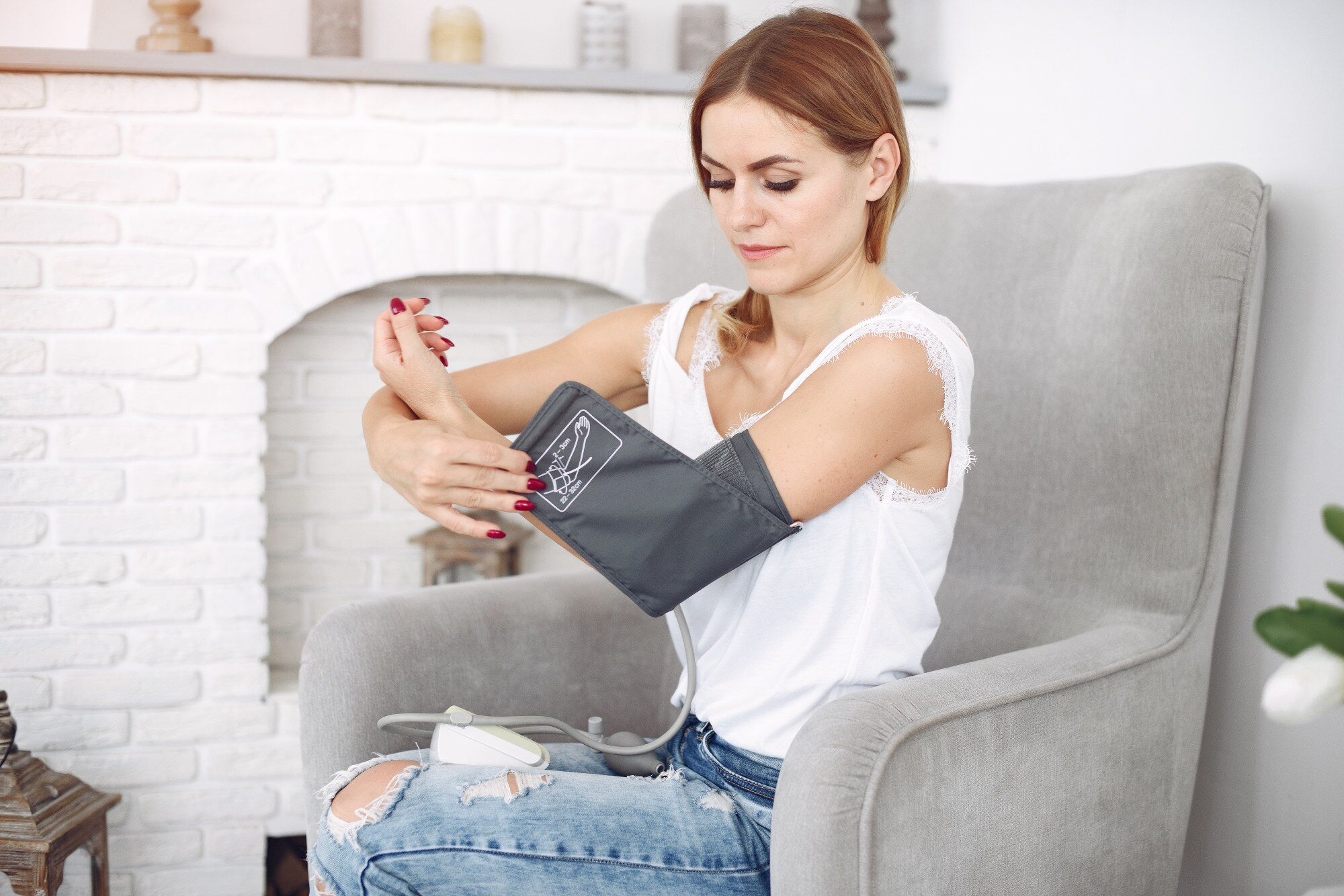
- Take a measurement: Sit quietly for 5 minutes, feet on the floor, back supported, arm at heart level. Start a reading using the cuff's app—systolic and diastolic values sync to Apple Health automatically.
- View data on Apple Watch: Open the Health app or a companion app on your Apple Watch to see your latest reading and trends.
- Track with Cardilog: For advanced trending, PDF reports, and shareable summaries, connect Cardilog to Apple Health (see the Set up with Cardilog steps below).
Best practice for accuracy
Take readings at the same times each day—typically morning (before medication or caffeine) and evening. Consistency makes your trends more meaningful and helps your doctor see patterns over time.
Best Wireless Blood Pressure Monitors for Apple Watch
The key to a seamless Apple Watch blood pressure workflow is choosing a monitor that is both clinically validated and supports Apple Health. Here are the two best options for 2026, followed by the QardioArm, which we no longer recommend:
Withings BPM Connect
The Withings BPM Connect is widely considered the best blood pressure monitor for Apple Watch users. It connects via both Wi-Fi and Bluetooth, meaning your readings sync automatically to the Withings app and Apple Health without you needing to open any app.
- Pros: FDA-cleared, automatic Wi-Fi sync, rechargeable battery (6 months per charge), color LED display, compact design
- Cons: Higher price point (~$100), requires Withings account, Wi-Fi setup can take a few minutes
- Best for: Users who want fully automatic syncing with zero friction
Omron Evolv
The Omron Evolv is a tubeless, one-piece upper arm monitor from one of the most trusted names in blood pressure devices. It syncs with Apple Health through the OMRON Connect app.
- Pros: FDA-cleared, clinically validated (Omron gold standard), tubeless design, built-in memory for 100 readings
- Cons: Bluetooth only, slightly bulkier than QardioArm, OMRON Connect app can be slow to sync
- Best for: Users who prioritize clinical accuracy above all else
QardioArm (App No Longer Available)
The QardioArm is a compact, travel-friendly blood pressure monitor. It connects via Bluetooth and stores readings in the Qardio app, which was built to share data with Apple Health. Dutch court records show that Qardio's European company filed for bankruptcy in Amsterdam in April 2024, after funding from its US parent company stopped and sales fell. The Qardio app later disappeared from the App Store and Google Play, and it was still missing from both when we checked in October 2026. The QardioArm has no screen of its own and needs the app to take and show a reading, so a new one may not work at all. We list it last for that reason and keep it here for people who already own one.
- Pros: FDA-cleared, extremely portable, irregular heartbeat detection, multi-user support, clean app design
- Cons: Qardio app no longer in the App Store or on Google Play, Bluetooth only (no Wi-Fi), runs on AAA batteries
- Best for: People who already own one, since new buyers may not be able to install the app
| Feature | Withings BPM Connect | Omron Evolv | QardioArm |
|---|---|---|---|
| Apple Health Sync | Automatic (Wi-Fi) | Via Bluetooth | App no longer in stores (Oct 2026) |
| FDA Cleared | Yes | Yes | Yes |
| Connectivity | Wi-Fi + Bluetooth | Bluetooth | Bluetooth |
| Battery | Rechargeable (6 mo) | 4x AAA | 4x AAA |
| Price Range | ~$100 | $119.99 (list price) | ~$80 |
| Portability | Good | Good | Excellent |
| Irregular Heartbeat | No | Yes | Yes |
The two recommended monitors suit different needs. If automatic syncing matters most, go with the Withings BPM Connect. For clinical-grade accuracy from a trusted medical brand, pick the Omron Evolv. We no longer recommend buying a QardioArm, because Qardio went bankrupt and its app has left the app stores.
For more options, see our guide to wearable blood pressure monitors.
Best Blood Pressure Apps for Apple Watch
Once your blood pressure readings are in Apple Health, you need an app to make sense of the data. Here are the best blood pressure apps that work with Apple Watch in 2026:
Cardilog
Cardilog syncs with Apple Health to pull in blood pressure readings from any connected cuff, then presents your data as clear trends, averages, and professional PDF reports. It is designed specifically for people who need to share blood pressure data with their doctor.
- Automatically imports blood pressure data from Apple Health
- Generates shareable PDF reports with trends and averages
- Tracks systolic, diastolic, and pulse readings over time
- Provides context by combining BP data with heart rate and activity from Apple Watch
- Clean, privacy-focused design with no ads
The Set up with Cardilog steps below show how to connect it to Apple Health and streamline your blood pressure monitoring workflow.
Set up with Cardilog
Connecting Cardilog to Apple Health takes just a few minutes and lets your cuff readings and Apple Watch heart data live in one place.
Enable Apple Health sync:
- Open the Cardilog app on your iPhone.
- Go to Settings > Integrations.
- Tap on "Apple Health".
- Toggle on the data types you want to sync (Heart Rate, Activity, Sleep, HRV).
- Tap "Allow" when prompted by Apple Health.
Configure smart reminders:
- In Cardilog, go to Settings > Reminders.
- Enable "Smart Reminders".
- Choose your preferred measurement times.
- Allow notifications when prompted.
- Your Apple Watch will now remind you to take BP readings.
Apple Health (built-in)
The Apple Health app is the foundation of blood pressure tracking on Apple Watch. It stores all readings from connected cuffs, displays daily/weekly/monthly charts, and supports sharing data with healthcare providers through Health Records.
- Built into every iPhone—no download required
- Stores systolic/diastolic readings with timestamps
- Day, week, month, and year trend views
- Supports Health Records integration with participating hospitals
Withings Health Mate
If you use a Withings blood pressure cuff, Health Mate is the companion app that syncs your readings and provides additional context. It integrates deeply with Apple Health and offers its own charts, reminders, and doctor-sharing features.
Qardio App
The Qardio App was built for the QardioArm, with clean visualizations, multi-user support, reminders and Apple Health sync. It left the App Store and Google Play after Qardio went bankrupt (see the QardioArm section above), and when we checked in October 2026 it was still missing from both, so new users may not be able to install it.
Choose the right app for your needs
If you want to share professional reports with your doctor, use Cardilog. If you want the simplest setup, Apple Health does the basics well. If you use a Withings or Omron cuff, their companion apps add useful features on top of Apple Health.
Understanding Your Blood Pressure Readings
Whether you're getting readings from a Bluetooth cuff or responding to an Apple Watch hypertension alert, understanding what the numbers mean is essential. Blood pressure is measured in millimeters of mercury (mmHg) and expressed as two numbers:
- Systolic (top number): The pressure in your arteries when your heart beats and pumps blood.
- Diastolic (bottom number): The pressure in your arteries between heartbeats, when your heart rests.
Blood pressure categories
The American Heart Association defines the following blood pressure categories for adults. Use these ranges to understand where your readings fall:
| Category | Systolic (mmHg) | Diastolic (mmHg) | What to Do |
|---|---|---|---|
| Normal | Less than 120 | Less than 80 | Maintain healthy lifestyle |
| Elevated | 120–129 | Less than 80 | Lifestyle changes recommended |
| Hypertension Stage 1 | 130–139 | 80–89 | Lifestyle changes + possible medication |
| Hypertension Stage 2 | 140 or higher | 90 or higher | Medication + lifestyle changes |
| Severe Hypertension | Higher than 180 | Higher than 120 | No symptoms: wait at least 1 minute and measure again. If it's still this high, contact your doctor as soon as possible |
| Hypertensive Emergency | Higher than 180 | Higher than 120 | Symptoms such as chest pain, shortness of breath, back pain, numbness, weakness, a change in vision or difficulty speaking: call 911 or your local emergency number now |
For a detailed interactive tool, visit our blood pressure chart to see where your readings fall and what they mean for your health.
What affects your readings
Blood pressure naturally varies throughout the day. It tends to be lower during sleep and higher during physical activity or stress. Several factors can influence your readings:
- Caffeine, alcohol, and nicotine can temporarily raise blood pressure
- Exercise causes a short-term spike followed by a longer-term decrease
- Stress and anxiety elevate readings (this is why white coat hypertension exists)
- Medications—both BP drugs and unrelated medications—can affect levels
- Body position, cuff placement, and talking during measurement affect accuracy
This is why consistent, at-home monitoring at the same times each day matters more than any single reading. Over time, trends reveal your true blood pressure pattern far better than occasional office visits. To learn more, read our guide on how blood pressure is measured.
When to seek emergency care
If your blood pressure is higher than 180/120 mmHg and you have symptoms such as chest pain, shortness of breath, back pain, numbness, weakness, a change in vision or difficulty speaking, call 911 or your local emergency number now. The American Heart Association calls this a hypertensive emergency, and you shouldn't wait to see whether your blood pressure comes down on its own. If the reading is that high but you have none of those symptoms, wait at least one minute and measure again. If it's still that high, the AHA calls it severe hypertension, and you should contact your doctor as soon as possible.
Apple Watch Blood Pressure: What to Expect Next
Apple's hypertension detection feature is just the beginning. The company has invested heavily in cardiovascular health sensors, and patent filings suggest more ambitious blood pressure features are in development.
Cuffless blood pressure technology
The holy grail of wearable blood pressure monitors is cuffless, continuous measurement—a device on your wrist that can give you an actual blood pressure reading in mmHg without an inflatable cuff. Apple, Samsung, Google, and several startups are all working on this technology.
The technical challenges are significant. Cuffless blood pressure technology must account for skin tone, wrist size, movement, body position, and individual physiology. Regulators like the U.S. FDA require strong clinical evidence before clearing any device as a true blood pressure monitor. In July 2025 the FDA cleared Aktiia's G0 system, the cuffless wrist technology behind the Hilo band, for spot-check readings at home in adults aged 22 to 59, with a fresh check against an arm cuff every 24 hours. Hilo says Hilo Core, the version it sells in the US, is a general wellness product and isn't FDA-cleared. The 2025 American Heart Association and American College of Cardiology guideline says cuffless devices can't yet be recommended for clinical use, so a validated upper-arm cuff is still the standard for diagnosing high blood pressure.
What future Apple Watch models might offer
- Blood pressure trend tracking (higher/lower than your baseline) without specific mmHg numbers
- Improved hypertension detection with shorter data collection periods (potentially under 14 days)
- Integration with clinical studies that could lead to FDA clearance for specific health claims
- Calibration workflows where periodic cuff readings improve the accuracy of on-wrist estimates
- Medication reminders triggered by blood pressure trends detected on your wrist
Set realistic expectations
There is no official timeline for full cuffless blood pressure measurement on Apple Watch. Avoid buying a watch solely on the assumption that clinic-grade BP readings are imminent. For now, a hybrid approach—pairing a validated cuff with your Apple Watch—delivers the most accurate and actionable results.
Conclusion
Apple Watch cannot directly measure blood pressure in mmHg, but it has become a powerful tool for blood pressure health. With the hypertension detection feature on Series 9 or later and Ultra 2 or later, your watch can passively screen for signs of high blood pressure. And by pairing a wireless Bluetooth cuff with Apple Health, you can build a complete monitoring workflow—track readings, visualize trends, and share professional reports with your doctor.
The best approach in 2026 is a hybrid strategy: use Apple Watch for passive hypertension screening and heart health tracking, pair it with an FDA-cleared blood pressure cuff for accurate readings, and use an app like Cardilog to tie everything together with shareable trends and PDF reports.
As cuffless blood pressure technology matures, the Apple Watch will only become more capable. For now, the combination of a great watch, a great cuff, and the right app gives you everything you need to stay on top of your blood pressure health.