

Best Blood Pressure Monitors for iPhone & Apple Health

Any upper-arm cuff whose app saves to Apple Health will work with your iPhone. Our top pick is an Omron arm monitor, which sends each reading to Apple Health through the free OMRON connect app. Choose the Withings BPM Connect if you want it to sync over Wi-Fi without your phone nearby, or the iHealth Track if you want to spend less. Every monitor below saves to Apple Health once you turn that on in its app, and Cardilog picks your readings up from there.

Updated October 2026 · Reviewed by the Cardilog team

As an Amazon Associate we earn from qualifying purchases, so Cardilog gets a commission if you buy through the Amazon links on this page. We choose each monitor because it saves your readings to Apple Health and suits home use, and the commission plays no part in that.

Our top blood pressure monitors

Showing picks for
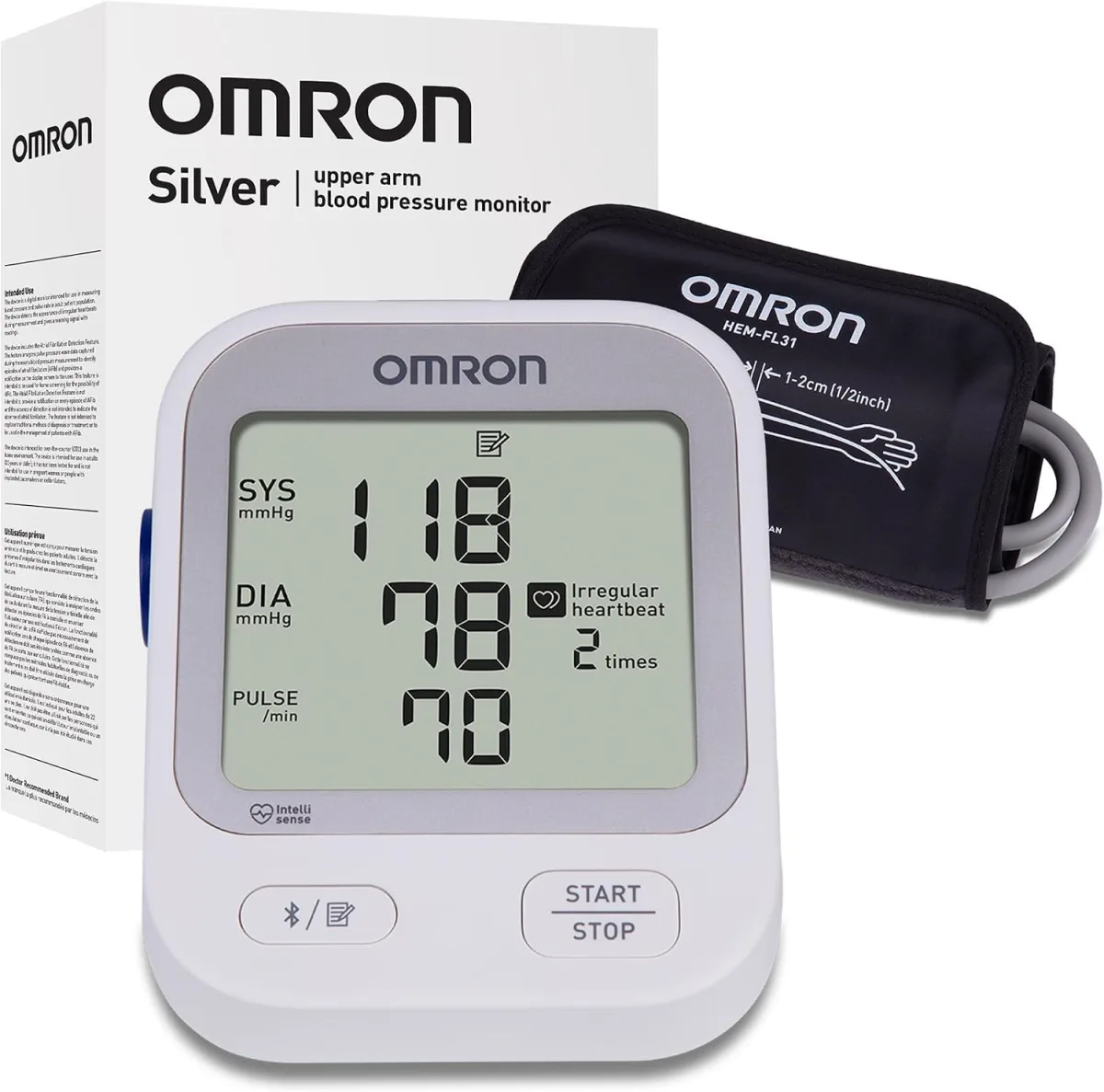
Omron Silver BP5255 upper-arm blood pressure monitor
Best overall

Omron Silver

Model BP5255

  • Reads more data points for steadier, more consistent results
  • Connects over Bluetooth and keeps all of your readings in one place
  • Warns you about an uneven heartbeat or a high reading
Works with Cardilog · Apple Health ✓

Saves your readings to Apple Health through the free OMRON connect app.

Check price at Amazon →Opens Amazon in a new tab
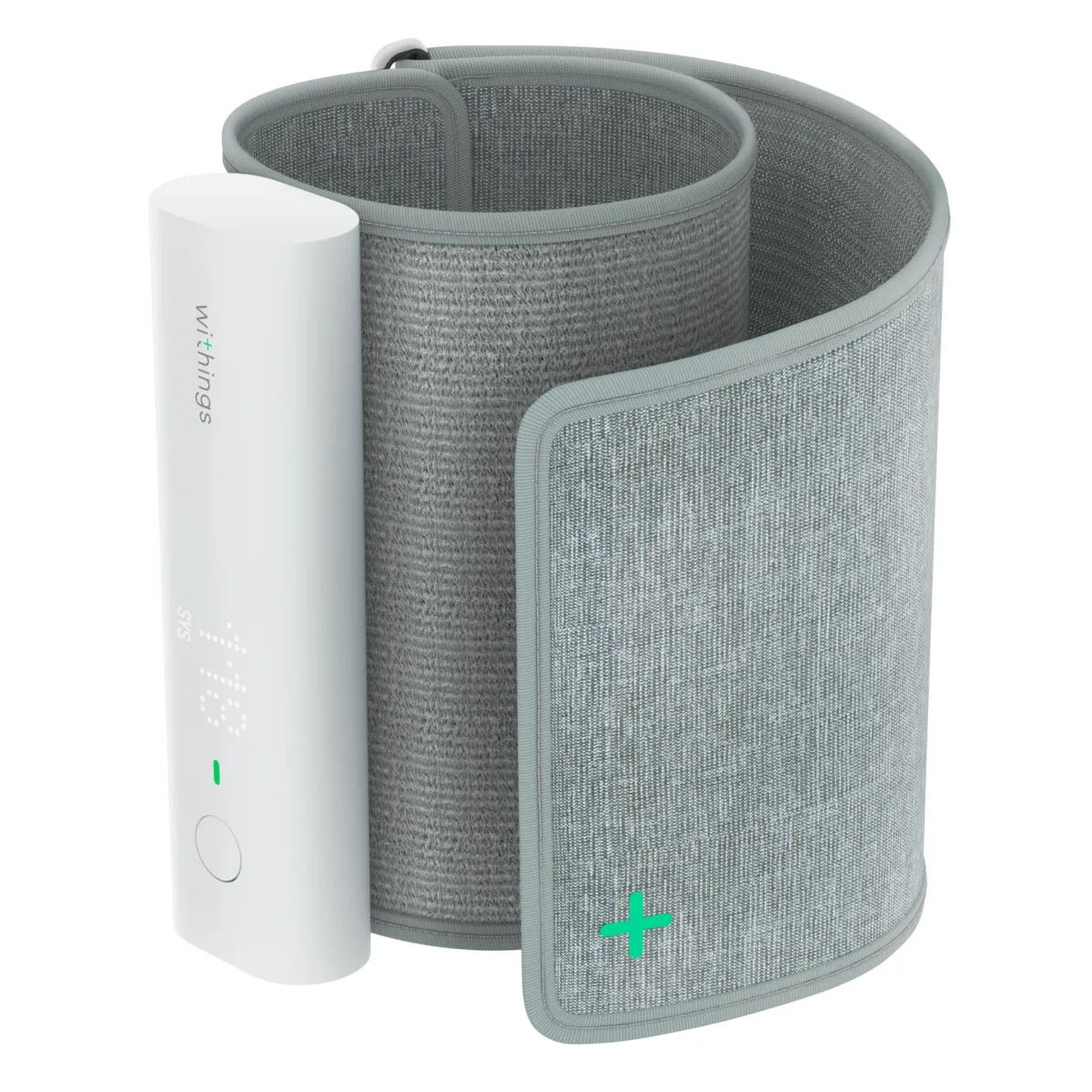
Withings BPM Connect wireless blood pressure monitor
Best design

Withings BPM Connect

  • FDA-cleared, and it works over Wi-Fi so you can take a reading without your phone nearby
  • Shows you a color-coded result right on the device
  • Rechargeable, and the battery lasts up to six months
Works with Cardilog · Apple Health ✓

Saves your readings to Apple Health through the Withings app.

Check price at Amazon →Opens Amazon in a new tab
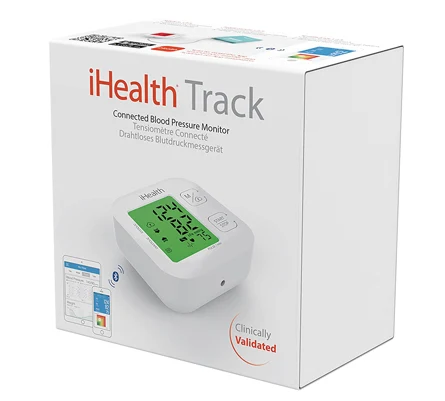
iHealth Track KN-550BT blood pressure monitor
Best value

iHealth Track

Model KN-550BT

  • A well-priced arm monitor with a cuff that fits most arms
  • Big, clear backlit screen, and it holds up to 99 readings
  • Lets you know if your heartbeat was uneven while it measured
Works with Cardilog · Apple Health ✓

Saves your readings to Apple Health through the free iHealth app.

Check price at Amazon →Opens Amazon in a new tab
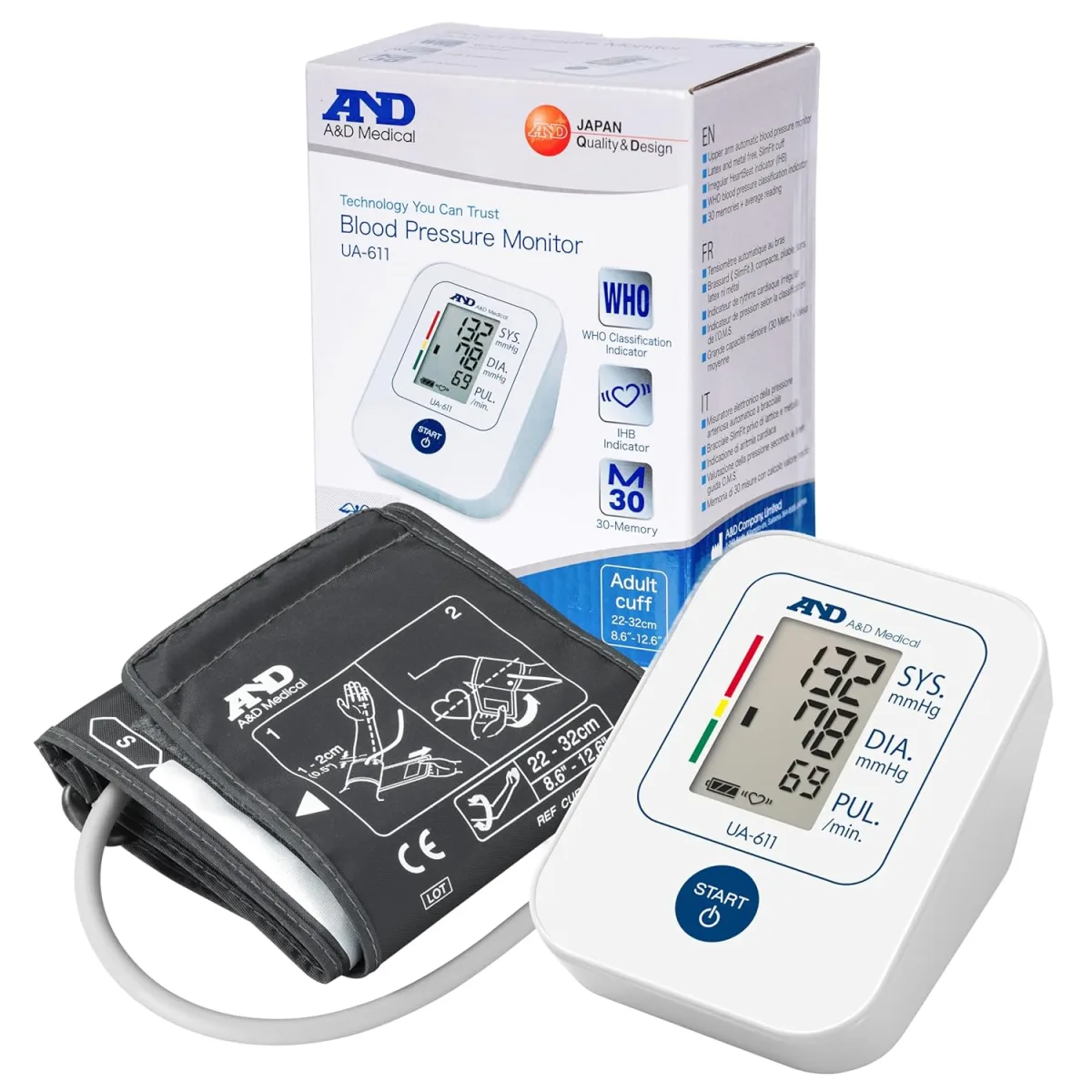
A&D Medical UA-651BLE Bluetooth blood pressure monitor
Best budget

A&D Medical

Model UA-651BLE

  • A one-button arm monitor with a cuff that fits most arms
  • Proven accurate in clinical studies
  • Sends every reading to your phone over Bluetooth
Works with Cardilog · Apple Health ✓

Saves your readings to Apple Health through the free A&D Heart Track app.

Check price at Amazon →Opens Amazon in a new tab

Compare these monitors

How we picked

Every monitor here is an upper-arm cuff whose own app saves your readings to Apple Health. We also look each model up on an independent list of home monitors that have passed a clinical accuracy test. For our US picks that's the US Blood Pressure Validated Device Listing, which the American Medical Association set up, and for our Australian picks it's STRIDE BP, a list kept by an international group of hypertension experts. The table links each model to its entry so you can check it yourself, and it tells you when a model isn't on the list.

MonitorBest forSyncUneven beatCardilog
Best overallBluetoothCheck price →
Withings BPM ConnectOn the US validated list
Best designWi-Fi + Bluetooth-Check price →
iHealth TrackKN-550BTOn the US validated list
Best valueBluetoothCheck price →
A&D MedicalUA-651BLEOn the US validated list
Best budgetBluetoothCheck price →

How your readings reach Cardilog

Every monitor here saves to Apple Health, and Cardilog reads from Apple Health. So on an iPhone they all work with Cardilog on their own. On Android, see the section below.

Step 1

Take a reading

Use any of the monitors above, just like you normally would.

Step 2

It saves to Apple Health

The monitor’s free app saves each reading to Apple Health for you.

Step 3

Cardilog shows your trends

Cardilog picks the readings up from Apple Health and turns them into clear, easy-to-read trends.

Using an Android phone

On an Android phone, Cardilog reads your blood pressure from Health Connect, the Android feature that lets health apps share their data, and the readings you log in Cardilog are saved there too. So any monitor whose app saves to Health Connect works with Cardilog.

Of our picks, the Withings BPM Connect saves to Health Connect through the Withings app. To turn it on, open your profile in the Withings app, tap Settings, then Export health data to Health Connect, and turn on blood pressure before you tap Allow. We couldn't confirm on their makers' websites that the Omron, iHealth or A&D apps save to Health Connect, so check the app's settings before you rely on one of them with an Android phone.

Frequently asked questions

Can an app measure my blood pressure with my phone camera?

An arm cuff measures your blood pressure more accurately than a phone camera. Some apps read it from your face or from a fingertip on the camera. A wrong number is risky if it hides a real problem, so for any reading you or your doctor will act on, use a real arm cuff like the ones on this page.

Do these monitors work with Cardilog?

Yes, on an iPhone they all do. Every monitor on this page saves to Apple Health, and Cardilog reads from Apple Health, so you do not need to set anything up inside Cardilog. On an Android phone, Cardilog reads from Health Connect instead, and of our picks we could only confirm that the Withings BPM Connect saves there.

How do they save to Apple Health?

Each monitor comes with a free app (such as OMRON connect, the Withings app or the iHealth app) that saves your readings to Apple Health. You turn on Apple Health in that app once, and from then on every reading is saved for you.

How do I connect an Omron monitor to my iPhone?

Download the free OMRON connect app, add your monitor in the app, and follow its steps to pair the two over Bluetooth. Then go to Profile, tap App settings, and under Share data with other apps tap Apple Health, then Link, and turn on blood pressure before you tap Allow. From then on, each reading moves to the app when your monitor syncs, and the app passes it on to Apple Health, where Cardilog picks it up.

Which blood pressure monitor is best for iPhone and Apple Health?

Any of them, because they all pair with your iPhone and save to Apple Health, so Cardilog picks up every reading. For most people an Omron arm monitor is the best all-rounder, and our top Omron pick also tells you if your heartbeat was uneven while it measured. Pick the Withings BPM Connect if you want it to sync over Wi-Fi without your phone nearby, or the iHealth Track if you want to spend less.

Does Apple make a blood pressure cuff?

No, Apple doesn't make a blood pressure cuff of its own. Apple's online store sells cuffs made by Withings, such as the BPM Connect, and any cuff whose app saves to Apple Health works with your iPhone in the same way. That includes every monitor on this page.

Can the Apple Watch measure my blood pressure?

No. On its own, an Apple Watch cannot measure your blood pressure accurately. Use one of the arm cuffs on this list instead. It saves to Apple Health, and then your Apple Watch and Cardilog can both show the results. See our guide to smartwatch blood pressure monitoring →

Omron or Withings: which blood pressure monitor is better?

Both are good choices, and both save to Apple Health. Omron makes simple, button-driven arm monitors, and our top Omron pick tells you if your heartbeat was uneven while it measured. The Withings BPM Connect looks sleeker and syncs over Wi-Fi without your phone nearby. Choose Withings for the most hands-off setup, or Omron if you prefer a familiar monitor with buttons.

Do I need Bluetooth or Wi-Fi to use Cardilog?

No. Cardilog reads from Apple Health on an iPhone, or from Health Connect on an Android phone, so it does not connect to your monitor directly. Bluetooth or Wi-Fi only links the monitor to its own app. And if you ever want to, you can just type a reading into Cardilog by hand.