
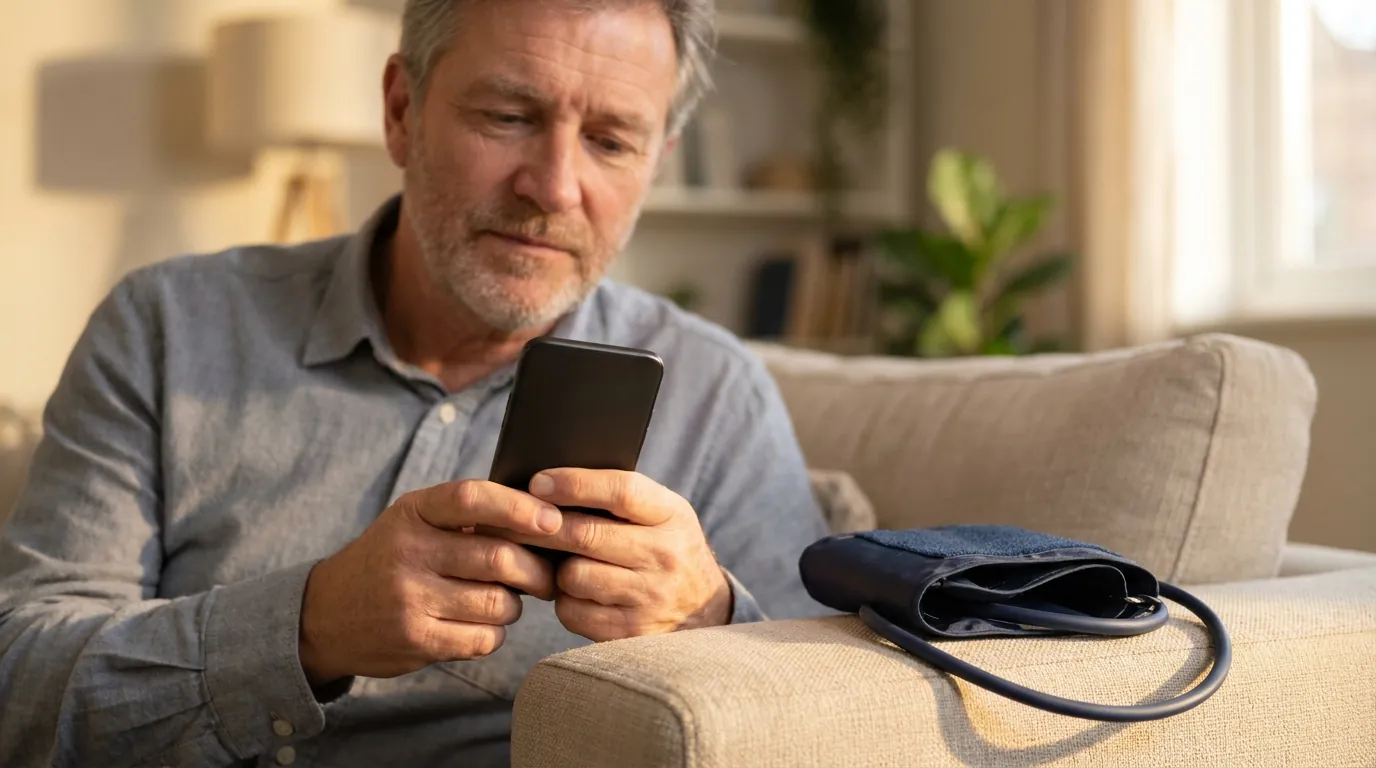
A phone on its own cannot take a blood pressure reading the way a cuff does. Apps that use the camera estimate it from the pulse they can see in your fingertip or your face. Most finger apps are not reliable, and the few face-scan apps that are certified in Europe come close to a cuff only after you calibrate them against one. The dependable setup today is a validated upper-arm cuff for the reading and an app on your phone to keep the log.
What changed in 2025
- August 2025: the AHA/ACC guideline on high blood pressure kept a validated cuff as the way to measure at home.
- September 2025: the FDA told people not to use blood pressure devices and wearable features that have no FDA authorization.
- September 2025: Apple Watch started sending hypertension notifications, which flag a likely problem without giving a number.
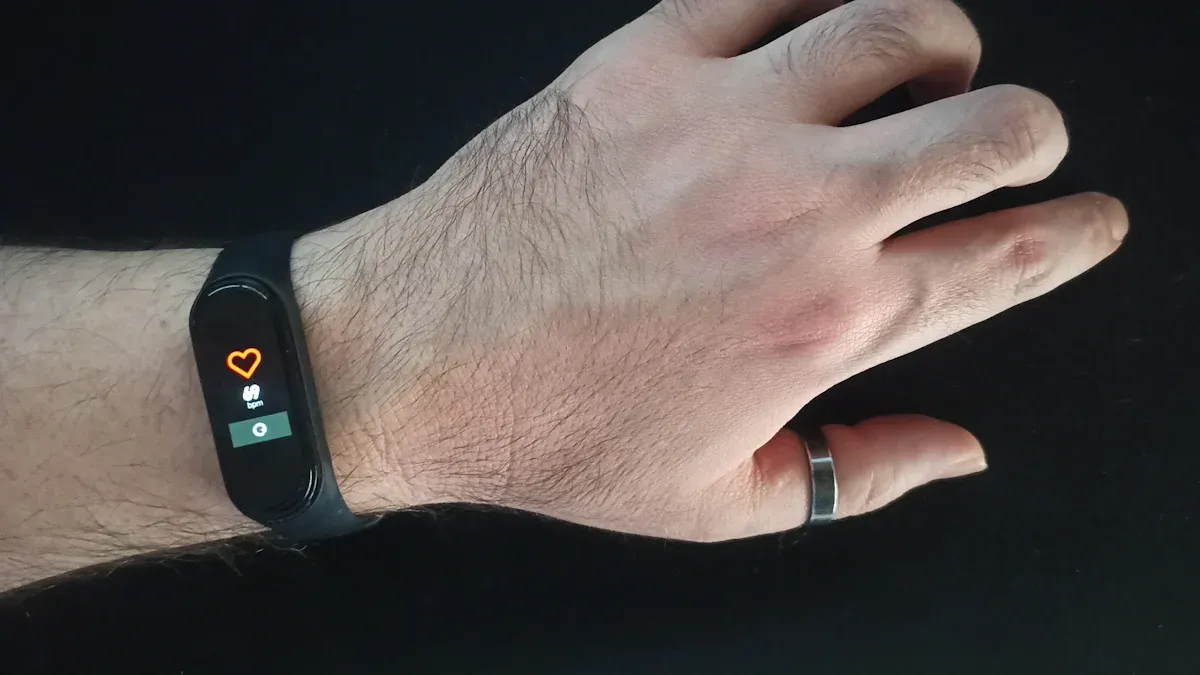
- December 2025: the American Heart Association published its first scientific statement on cuffless devices, saying they have not yet been adequately vetted for accuracy, although several have FDA clearance.
How can a phone camera see your blood pressure?
Every heartbeat pushes a wave of blood through your body, and the skin changes colour very slightly as it passes. A phone camera can pick up that change. Researchers call it photoplethysmography (PPG), which means measuring blood flow with light, and when the camera reads it from your face at a distance it is called remote PPG.
Camera apps work in one of two ways:
- Finger on the camera. You press a fingertip over the lens and flash, and the app reads the pulse wave in the light passing through your finger.
- Face scan. You look into the front camera for about 30 seconds, and the app reads tiny colour changes in the skin of your face.
Either way, what the app actually measures is your pulse. It works out blood pressure from the shape and timing of the pulse wave, using a model trained on people whose blood pressure was also measured with a cuff. How good the estimate is depends on that model and on whether it has been tuned to you.
Why most finger apps fall short
The best-known test of a finger app comes from Johns Hopkins. In 2016 Plante and colleagues compared a popular app, Instant Blood Pressure, with standard readings in 85 adults and published the results in JAMA Internal Medicine. Its readings were off by 12 mmHg for the top number and 10 mmHg for the bottom number on average, and it missed 78% of the people whose blood pressure was in the high range, telling them it was normal. The researchers noted that the app had sold more than 148,000 copies.
Not every finger app performs that badly. A 2020 study in Scientific Reports (Schoettker et al.) found that a finger app met the international accuracy standard in 40 people, but only after the app was calibrated for each person against a reference reading, and the authors called the results preliminary. Most finger apps on the app stores have published no comparable testing at all.
What face-scan apps can do
Face-scan apps are the more promising approach. In a 2019 study of 1,328 adults in Circulation: Cardiovascular Imaging (Luo et al.), a model that read facial blood flow from smartphone video produced estimates within the accepted accuracy range, an average error under 5 mmHg with a spread under 8. Every one of those adults had normal blood pressure, though, and the authors said the next step was to test people across the full range, high readings included.
A few face-scan apps are now certified as medical devices in Europe (Class IIa under the EU's Medical Device Regulation). The ones that come closest to a cuff ask you to calibrate them with a reading from a validated cuff first and to recalibrate from time to time, because the link between your pulse wave and your pressure drifts as your arteries, medication and weight change. Used that way they are good for spotting trends between cuff readings.
What "certified" and "cleared" mean
| Label | What it means | Where camera apps stand |
|---|---|---|
| FDA cleared or authorized (US) | The FDA reviewed the device and allowed it to be sold for measuring blood pressure | We found no phone-camera app. A few cuffless wristbands, rings and fingertip devices are cleared. |
| CE marked, Class IIa (EU) | Certified as a medical device under the EU Medical Device Regulation by an independent body | A few face-scan and finger apps |
| Validated (cuffs) | Passed a clinical accuracy test against a reference measurement | Upper-arm cuffs listed on validatebp.org (US) or STRIDE BP (international) |
| "Wellness" or "for information only" | Not reviewed as a medical device | Most camera apps on the app stores |
The FDA's September 2025 safety communication suggests looking a device up in its 510(k) database before relying on it. Blood pressure devices the FDA has authorized generally carry the product code DXN. Our guide to cuffless and wearable blood pressure monitors covers the wristbands and rings that have FDA clearance.
What a blood pressure app does do
Where apps earn their place is everything around the reading. Paired with a cuff, an app can save each reading automatically, show averages for morning and evening, chart how a new medication is working, remind you when to measure and turn a month of readings into a PDF for your doctor. The American Heart Association's measurement statement (Muntner et al., 2019) recommends exactly this kind of home monitoring, done with a validated upper-arm cuff.
Cardilog, the app we make, is one of these. It works with readings from any cuff, syncs with Apple Health and Health Connect, and is free for logging, charts, reminders, PDF reports and your full history. Our comparison of blood pressure apps covers the other options.
iPhone and Android
iPhone
No iPhone can measure blood pressure. The Health app can store readings you type in or sync from a Bluetooth cuff, and it now has a guided Blood Pressure Log with a PDF for your doctor. Apple Watch Series 9 or later can send a hypertension notification, but it never shows a number. Our step-by-step guide to checking your blood pressure on iPhone for free walks through each of these.
Android
No Android phone can measure blood pressure by itself either. Cuff apps save readings to Health Connect, and Samsung phones can also use Samsung Health. Some Samsung Galaxy Watch models estimate blood pressure from the wrist after you calibrate them with a cuff, which our Samsung Galaxy Watch guide explains.
The setup that works today
- A validated upper-arm cuff in the right size. Our guide to home blood pressure monitors compares models, including ones that sync over Bluetooth.
- Good technique. Sit quietly for five minutes with your back supported, feet flat and arm at heart level, then take two readings a minute apart.
- An app to keep the log. The Health app, Health Connect or a tracking app, so you and your doctor can see the trend. If you prefer paper, our printable blood pressure log works too.
- A camera app only as an extra, if you use one at all, calibrated against your cuff and checked against it regularly.
When to see a doctor
Never change or stop a medication because of a reading from a camera app. If a cuff reading is 130/80 mmHg or higher on several days, share your log with your doctor, because that counts as high blood pressure under the 2025 AHA/ACC guideline. If a cuff reading is higher than 180/120 mmHg, wait a minute and measure again, and contact your doctor straight away if it is still that high. Call 911 or your local emergency number if it comes with chest pain, shortness of breath, back pain, numbness, weakness, a change in vision or difficulty speaking.