Check your blood pressure with a face scan
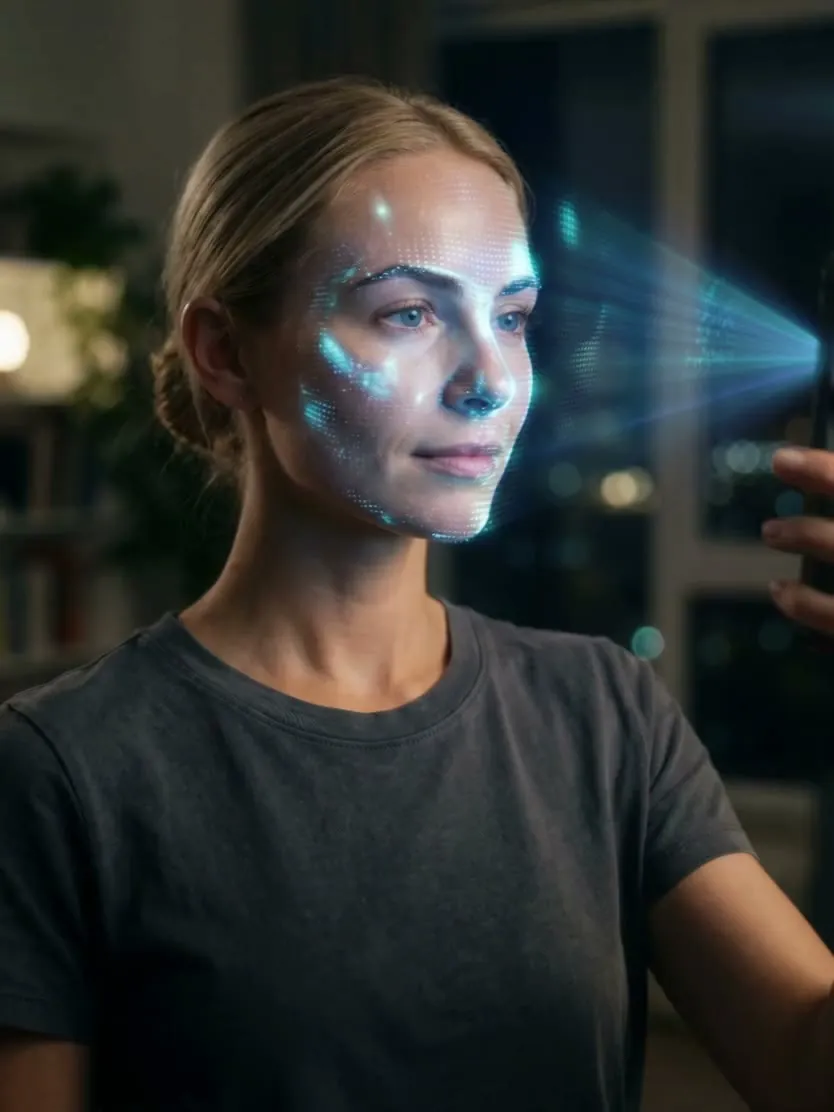
Face Scan uses your phone's front camera to read the tiny colour changes in your skin as blood moves through your face, and in about 30 seconds it gives you an estimate of your blood pressure, pulse, heart rate variability and breathing rate. Save a scan and its blood pressure and pulse go into your history marked as a scan estimate. Your cuff is still the measurement.


Part of Cardilog Pro. iPhone and iPad on iOS 16.4 or later, Android 8 or later. Face Scan is a wellness feature and not a medical device.
Updated
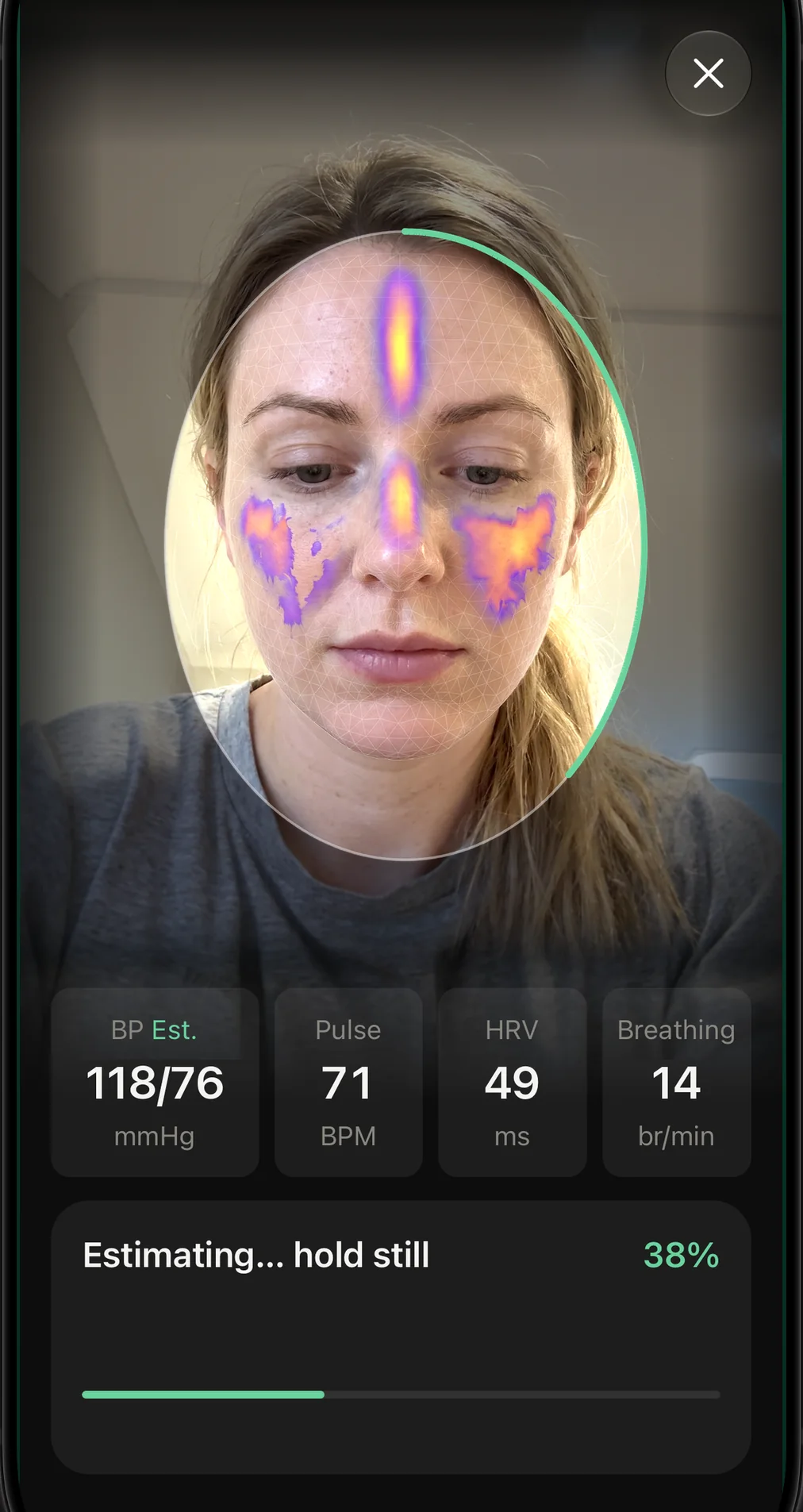
- About 30 seconds
- Hold still and look at the screen while the arc fills.
- Front camera only
- No cuff, no extra hardware and no finger on the lens.
- Processed on your phone
- The camera pictures are read as they arrive and then discarded.
How the scan reads your pulse
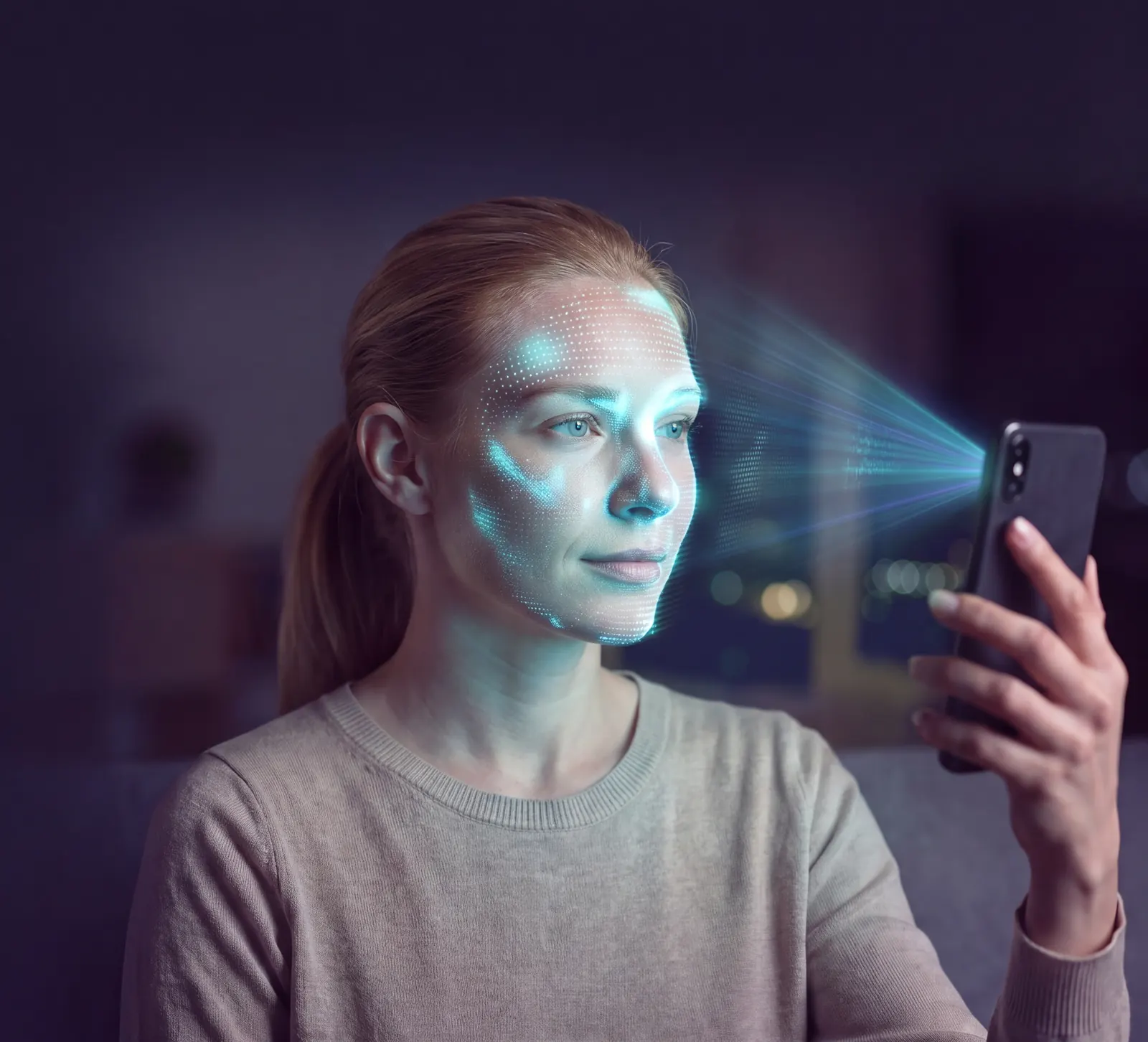
Each time your heart beats, a little more blood flows under the skin of your face and the colour of your skin shifts very slightly. The change is far too small for your eyes, and the front camera picks it up. Cardilog turns that flicker into a pulse signal, a technique researchers call remote photoplethysmography, which simply means measuring blood flow with light from a distance.
From the shape and timing of that pulse wave, the app estimates your blood pressure, pulse, heart rate variability and breathing rate. While you scan, it tells you what would help, such as moving a little closer, finding somewhere brighter or holding the phone steady.
What the research says about camera readings, including where they fall short, is in our guide to whether your phone can check your blood pressure.
- 1
Fit your face in the oval
Hold the phone at eye level in even light, and the guide locks on to your face.
- 2
Hold still for about 30 seconds
The arc fills as the scan reads your pulse. Taking glasses off and keeping your forehead uncovered both help.
- 3
Read your estimates
Four figures appear with a measurement conditions score, and you choose whether to save them.
What a scan shows
Every scan ends with four estimates and a note on how good the conditions were.
- Blood pressure
- Shown in mmHg and marked Est., so you always know it came from a scan.
- Pulse
- Your heart rate in beats per minute.
- Heart rate variability
- How much the gap between one heartbeat and the next varies, shown as SDNN in milliseconds.
- Breathing rate
- Your breaths per minute.
- Measurement conditions
- A percentage for the light, stillness and distance during the scan. When conditions were poor, the app shows tips and offers a quick rescan.
Nothing saves by itself. Save opens the reading form with the blood pressure and pulse filled in, and the saved reading is marked as a scan estimate in your history, charts and exports. It stays out of your PDF report unless you tick Include scan estimates, and Cardilog never sends scan estimates to Apple Health or Health Connect.
Calibrate it with your own cuff
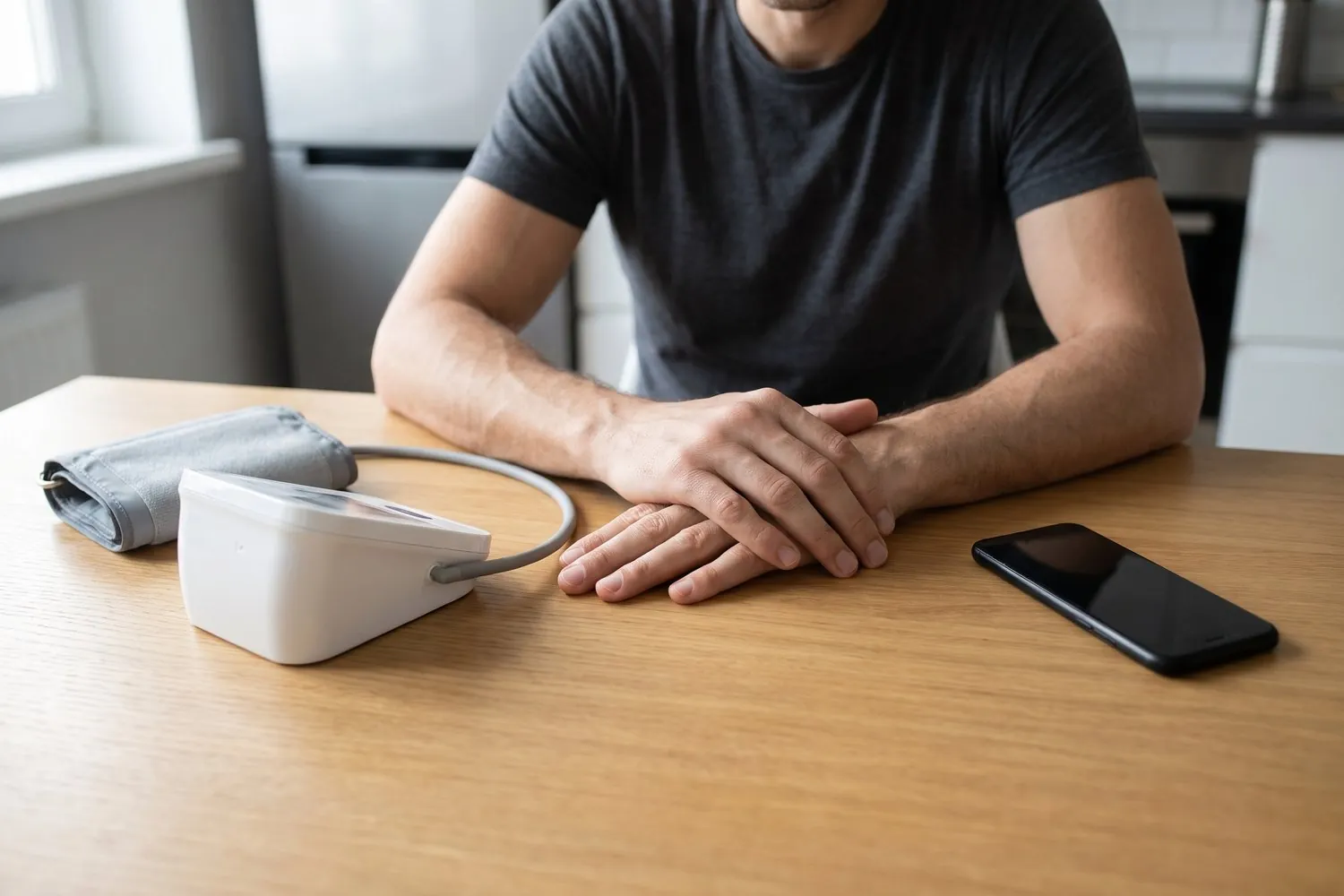
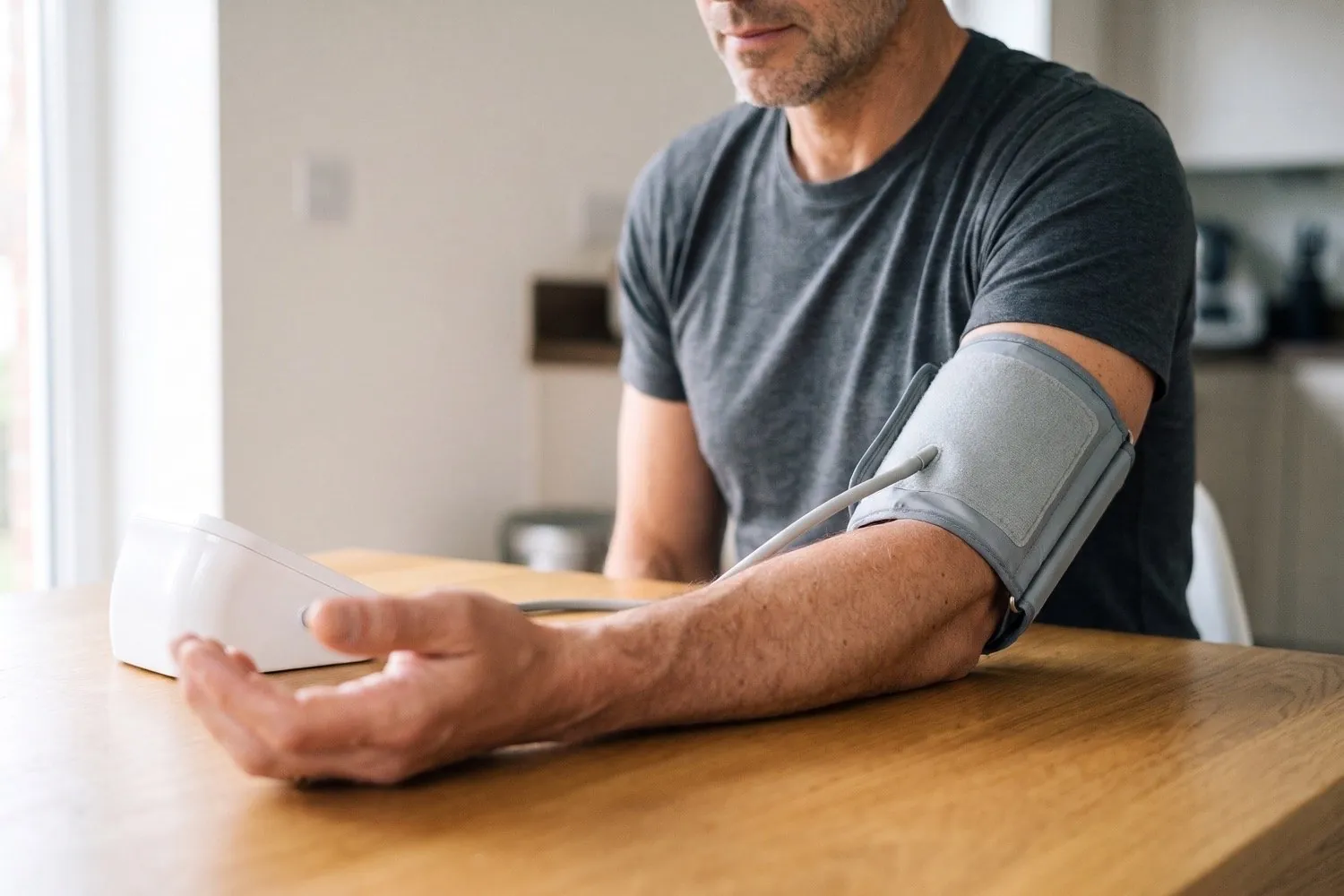
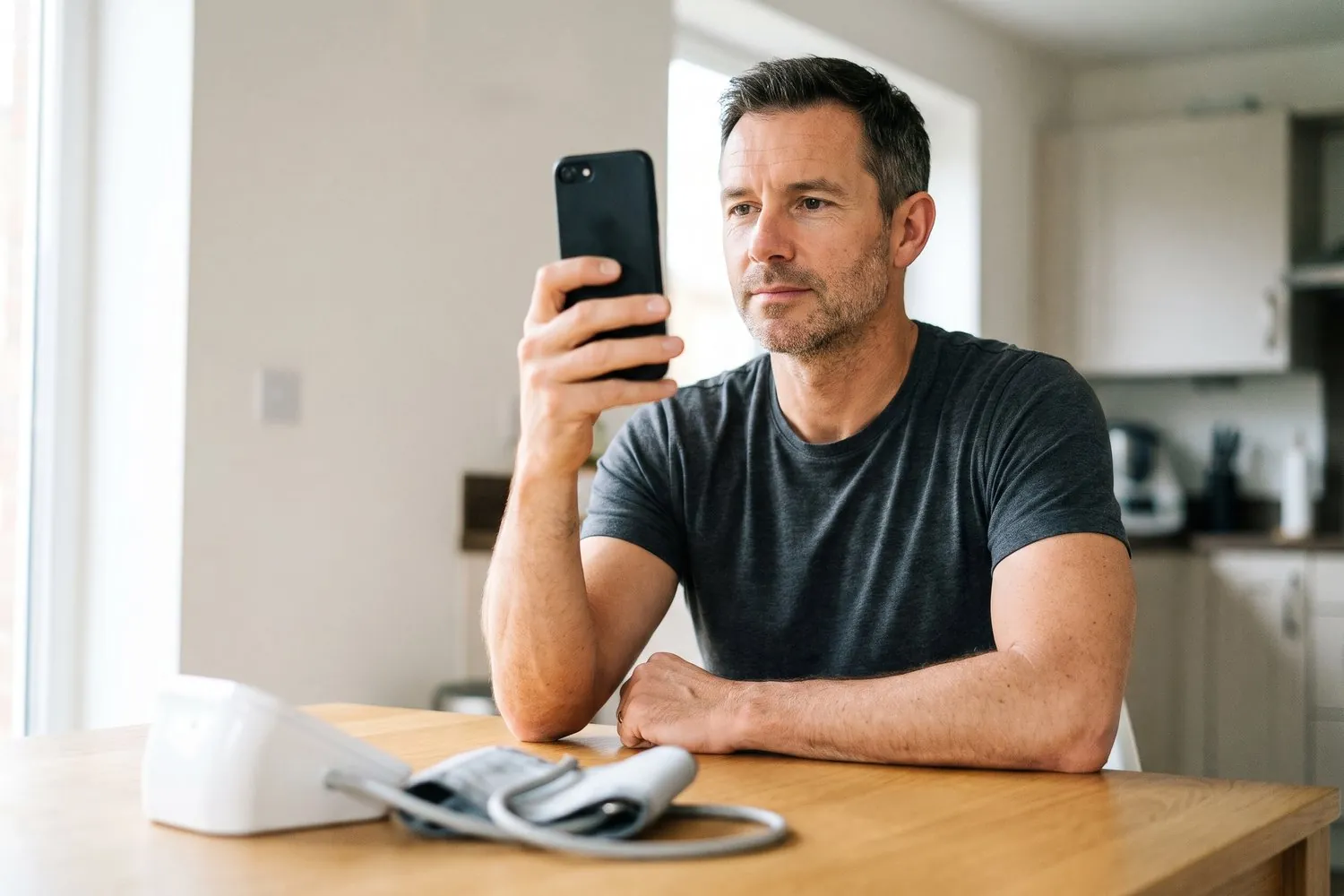
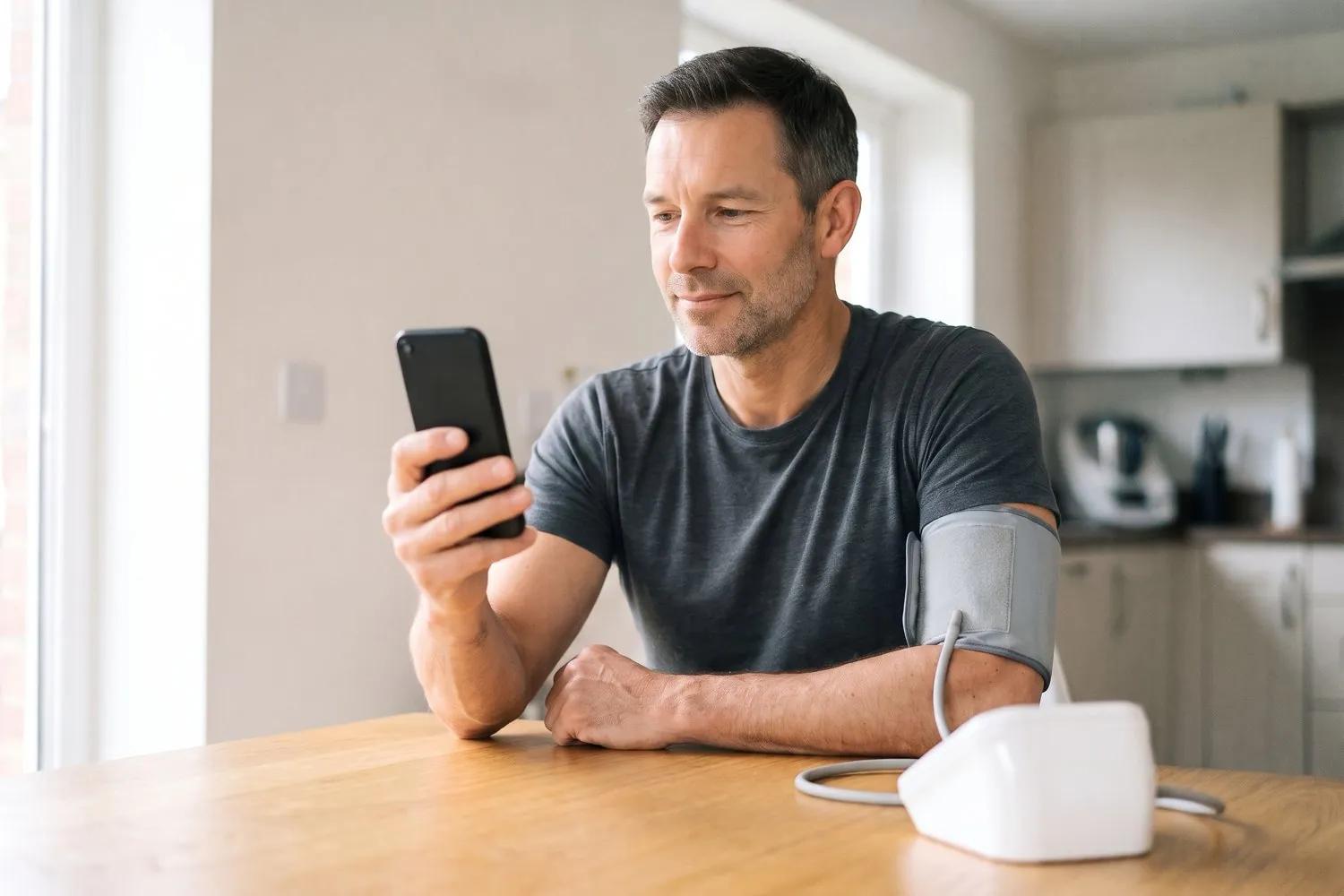
Face Scan works before you calibrate it, and it comes closer to your monitor once you do. Calibration takes 5 to 10 minutes, seated at a table with your cuff on and your phone in front of you. The app asks for four cuff readings and three face scans, one after the other, and works out the difference between them.
From then on your scans are adjusted to match your monitor. The calibration is saved to your account, so it follows you to a new phone, and you can redo it whenever you change monitors.

- 1
Open Face Scan calibration
In the Cardilog app, open Settings and tap Face Scan calibration, or say yes when the app offers it before a scan. Have your own cuff and your phone on the table in front of you.
- 2
Sit down with your cuff on
Sit at a table with your back supported and your feet flat on the floor, put the cuff on your bare upper arm at the height of your heart, and rest your arm on the table. Allow 5 to 10 minutes.
- 3
Take a cuff reading
Take a reading with your monitor and type it in when the app asks.
- 4
Take a face scan
Take a face scan when the app asks, holding the phone at eye level and keeping still in even light.
- 5
Repeat until it is done
The app alternates cuff reading and scan until it has four cuff readings and three scans, then tells you that your scans will be adjusted to match your monitor.
No cuff yet? See the monitors we recommend.
Your face stays on your phone
A scan reads the live pictures from the front camera for the length of the scan. Each picture is looked at as it arrives and then discarded, and the scan keeps only the colour signal it needs. All of that happens on your phone.
No photo or video is taken, and no picture of your face is kept.
Nothing from the camera is sent to us or to anyone else.
You agree to the scan with a tick box before your first one, and you can withdraw that agreement at any time in Settings.
Face Scan is part of Cardilog Pro
Logging, charts, reminders, PDF reports and your full history are free in Cardilog. Cardilog Pro adds Cardilog Intelligence, which reads your trends for you, and now Face Scan.
Cardilog Pro is a subscription through the App Store or Google Play, and there are no free scans. If you already have an older Cardilog Pro plan, Face Scan asks you to move to the new plan first.
Questions about Face Scan
Is there an app that checks your blood pressure with the camera?
Yes, Face Scan in the Cardilog app gives you an estimate. It uses your phone's front camera to read the tiny colour changes in your skin as blood moves through your face, and from that it estimates your blood pressure, pulse, heart rate variability and breathing rate in about 30 seconds. The app marks every result as an estimate, and a cuff reading is still the measurement, so use a cuff for anything you or your doctor will act on.
Is Face Scan accurate?
Face Scan gives you an estimate, and the app marks every result as one. How close it comes depends on the scan itself: even light on your face, a steady phone and keeping still all help, and the result screen shows a measurement conditions percentage so you know how good the scan was. Calibrating Face Scan against your own cuff adjusts your scans to match your monitor. For any reading you or your doctor will act on, take it with a cuff, because the cuff is the measurement and the scan is an estimate alongside it. Face Scan is a wellness feature and not a medical device.
Do I still need a cuff?
Yes. A cuff reading is the measurement to rely on, and Face Scan gives you an estimate between cuff readings. You also need a cuff to calibrate Face Scan, which takes four cuff readings and three scans. If a scan estimate looks unusual, take a cuff reading before you do anything about it, and talk to your doctor about any reading that worries you. Never change or stop a medication because of a scan estimate.
Is Face Scan FDA cleared?
No. Face Scan is a wellness feature and not a medical device, and the US Food and Drug Administration (FDA) has not cleared it. In September 2025 the FDA warned against relying on blood pressure devices and features it has not authorized when your care depends on an accurate reading. That is why the app marks every scan as an estimate and why your cuff stays the measurement: use a validated upper-arm cuff for any reading you or your doctor will act on.
Can I use Face Scan as an everyday blood pressure checker?
Yes, for keeping an eye on your numbers between cuff readings. A scan takes about 30 seconds and needs nothing but your phone, so it is easy to check at the same times each day and watch how your estimates move. Calibrate it against your own cuff first, and take a cuff reading for anything you or your doctor will act on, or whenever a scan looks unusual.
Is Face Scan free?
No. Face Scan is part of Cardilog Pro, a paid subscription sold through the App Store and Google Play, and there are no free scans. Logging, charts, reminders, PDF reports and your full history stay free. If you have an older Cardilog Pro plan, you need to move to the new plan to use Face Scan.
Which phones does it work on?
Face Scan works on iPhone and iPad with iOS 16.4 or later, and on Android phones with Android 8 or later and a 64-bit processor. A phone that cannot run it shows the message "This device can't run the camera scan" when you open Face Scan, and everything else in the app keeps working.
Is my face stored?
No. The scan reads the live pictures from the front camera, keeps only the colour signal it needs and does all of that on your phone. Cardilog takes no photo and no video, saves no picture of your face and sends nothing from the camera anywhere. You agree to the scan with a tick box before your first one, and you can withdraw that agreement at any time in Settings.
How do I calibrate it?
Open Settings in the Cardilog app and tap Face Scan calibration, or say yes when the app offers it before a scan. Sit down with your own cuff and allow 5 to 10 minutes. The app asks for four cuff readings and three face scans, one after the other, and from then on your scans are adjusted to match your monitor. The calibration is saved to your account.
Does it work for heart rate, HRV and breathing?
Yes. Every scan shows four estimates: blood pressure marked Est., pulse in beats per minute, heart rate variability as SDNN in milliseconds, and breathing rate in breaths per minute. When you save a scan, Cardilog keeps the blood pressure and pulse in your history as a scan estimate.
Related reading
Can your phone check your blood pressure?
How camera apps work, why most finger apps fall short and what face-scan apps can do.
How to check your blood pressure on iPhone for free
The Health app, Bluetooth cuffs and the free Blood Pressure Log, step by step.
Blood pressure monitors that sync with Apple Health
Our picks of upper-arm cuffs, and the one you calibrate Face Scan against.
Our blood pressure app guide
A comparison of blood pressure apps for iPhone and Android, free and paid.
How to take an accurate blood pressure reading
Position, timing and the mistakes that push a cuff reading up or down.
Face Scan gives estimates for information only. They can be wrong, and a reading from a blood pressure cuff remains the measurement to rely on. Never change or stop a medication, skip an appointment or delay seeking care because of a scan estimate. In an emergency, call your local emergency number. Face Scan is a wellness feature and not a medical device, and it does not diagnose, treat, cure or prevent any condition. Terms of Service · Privacy Policy